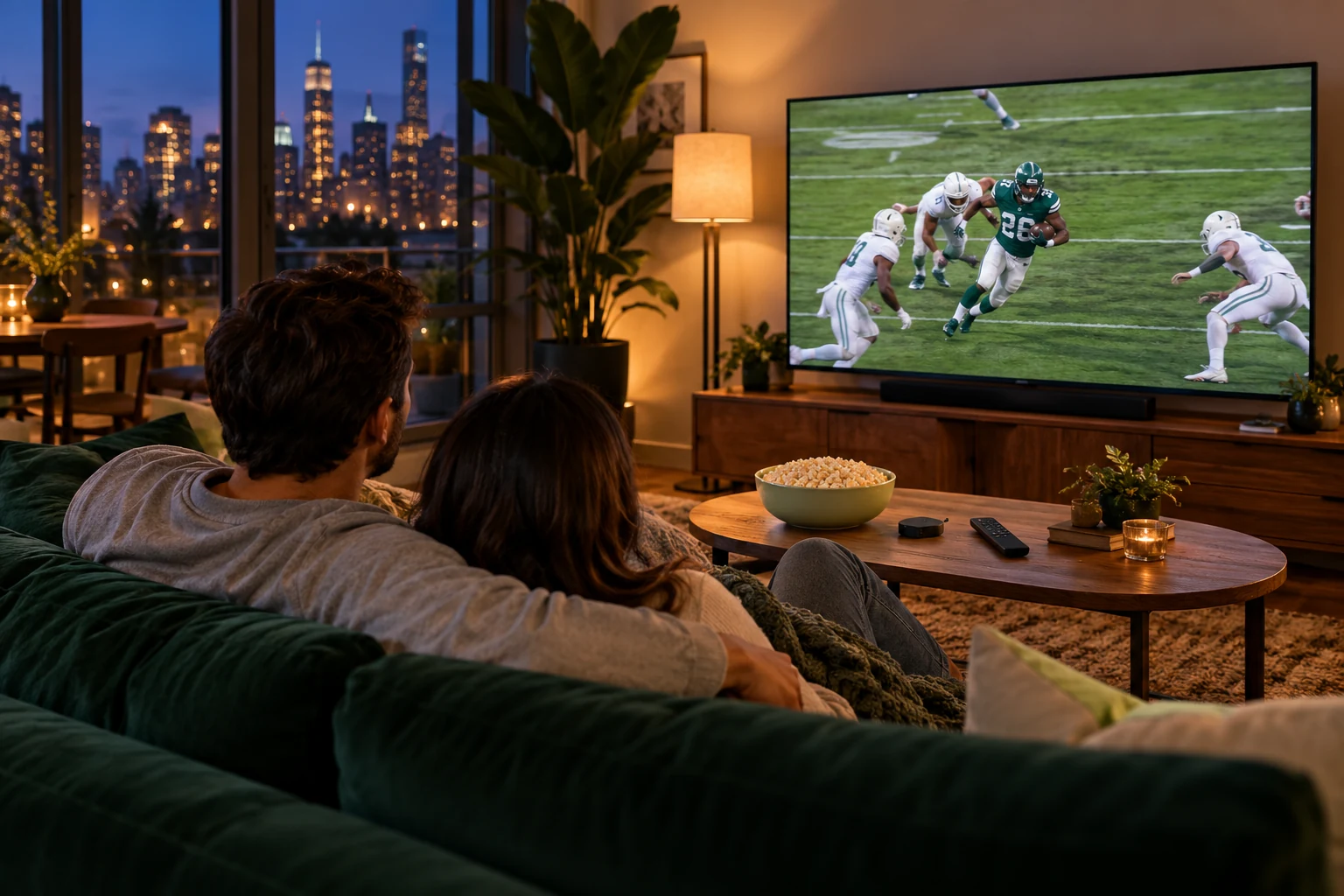
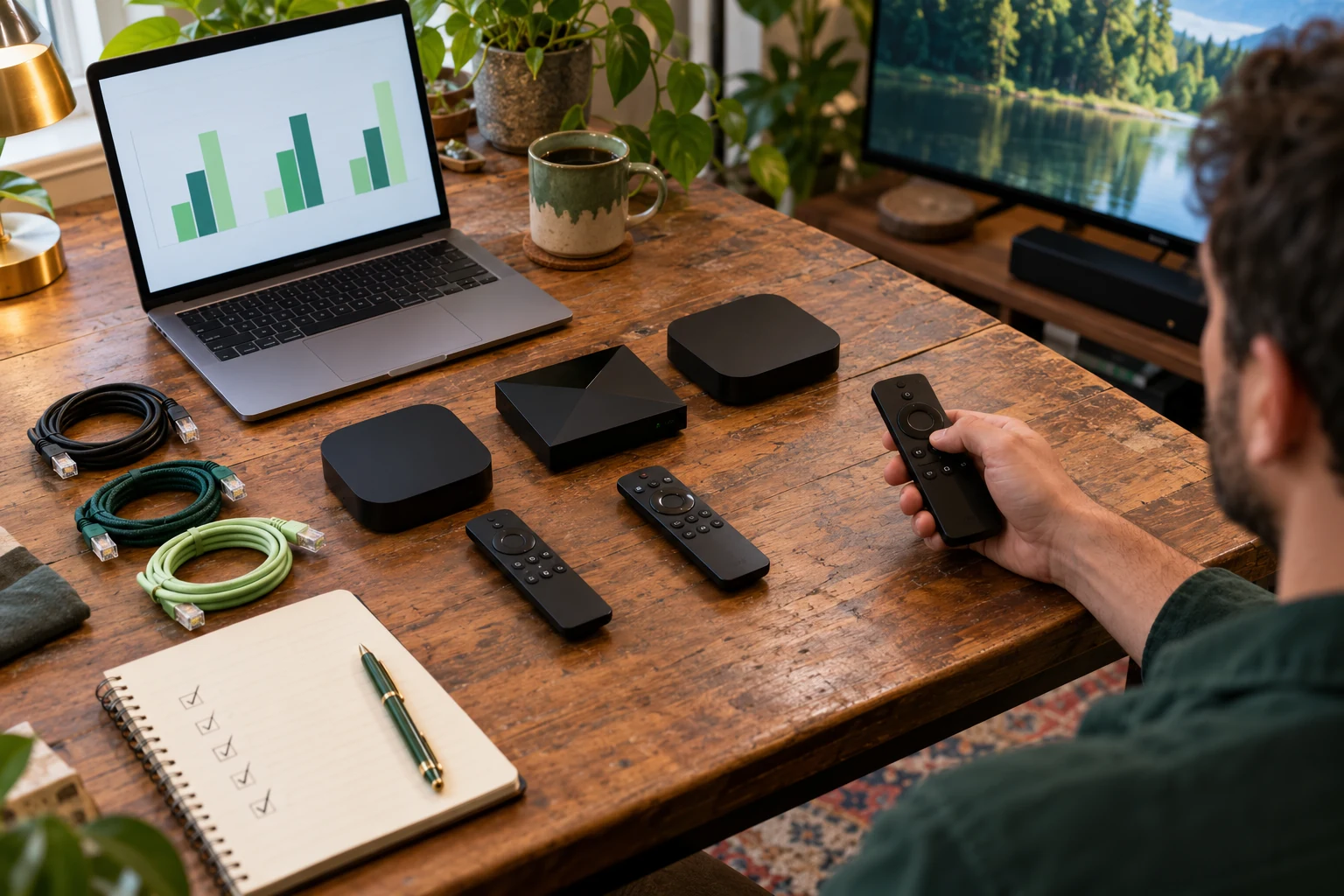
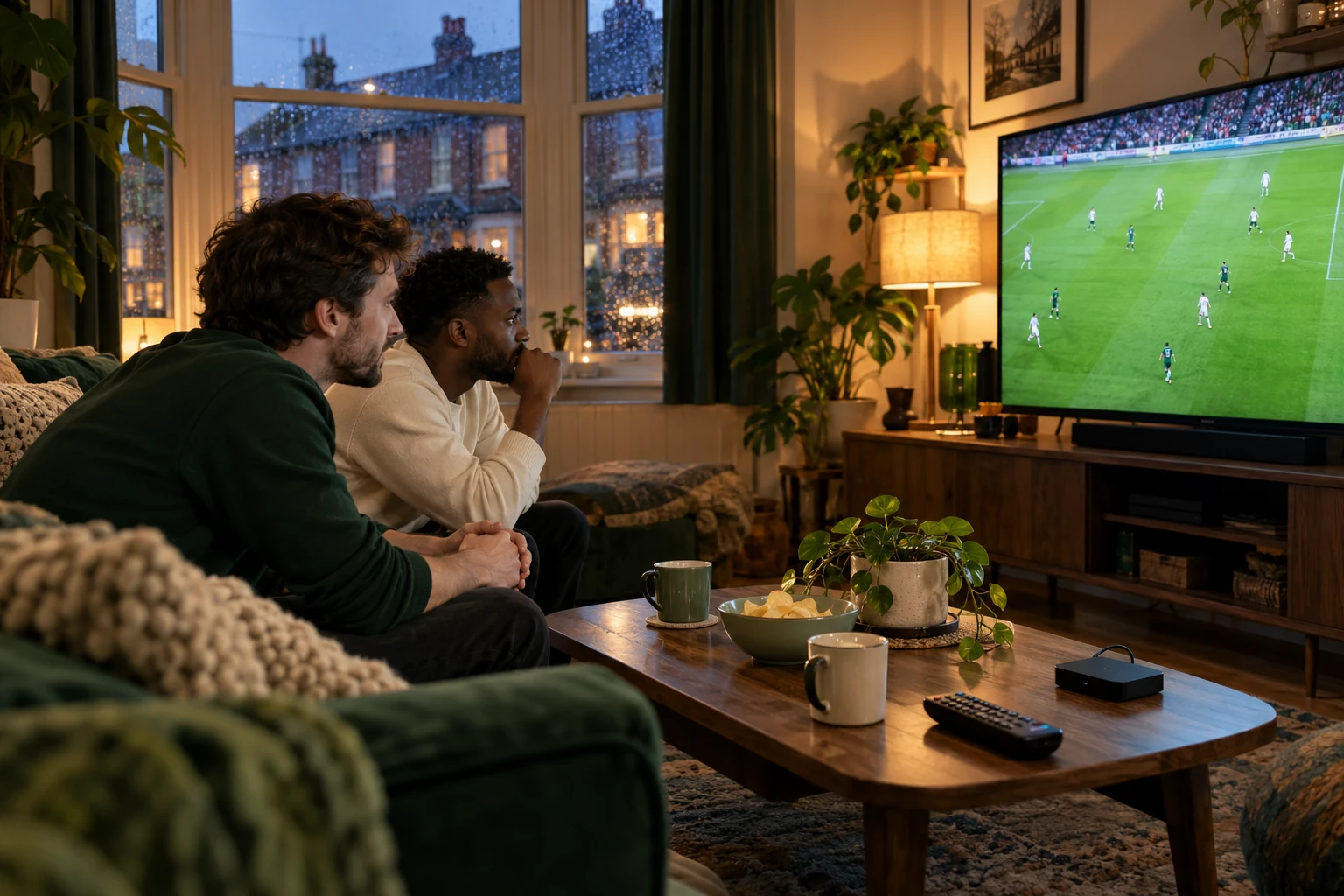
4K versus HD IPTV in 2027: compare the source and the screen
A 4K television and a 4K stream label answer different questions. Use a consistent picture check before changing your setup.
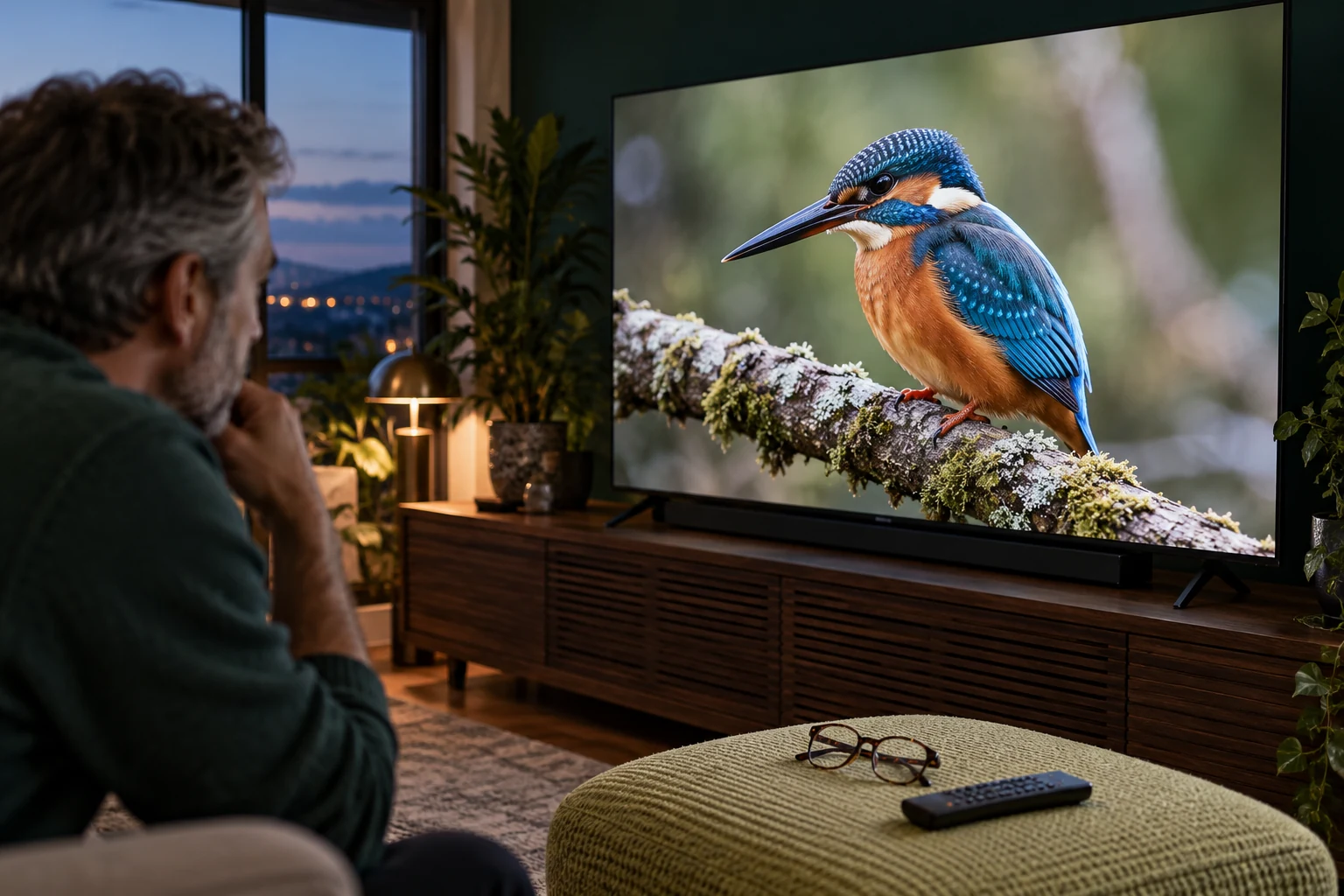 Picture quality comparedWhat changes in 4K?
Your next step.
Try it, or keep watching.
To compare HD and 4K IPTV for 2027, follow the picture from its source to your display. Confirm the version of the programme, what the player reports, the device's output and the television's capabilities. A higher-resolution panel cannot by itself establish the resolution or quality of the stream it receives.
Know what the quality terms describe
Apple's video-format guide describes HD as 1920 × 1080 and 4K as 3840 × 2160 in its TV app. It also treats HDR as a separate capability. Those definitions help you ask better questions; they do not establish which formats an unrelated IPTV service supplies.
Ask about the exact programme or channel you plan to watch. The channel overview is a place to begin a conversation, while a live availability answer and a trial on your screen give you a specific basis for choosing.
Check the whole viewing chain
| Part | Question to answer |
|---|---|
| Source | Is this particular version supplied in HD, 4K or another format? |
| Player | What format does its information panel actually report? |
| Device and display | Do both support the intended output? |
| Connection | Does it remain watchable at your normal viewing time? |
Sony's 4K/HDR guidance makes the content source part of the requirement. If an external player uses an AV receiver, check that model's supported video path too. Sony separately distinguishes 4K pass-through from upscaling; an upscaled output is not evidence of a native 4K source.
Put the guide to use.
Compare confirmed HD and 4K sources during the trial; ask what is currently available.
Compare the same scene under the same conditions
Choose a short, repeatable sequence and keep the viewing distance and TV settings unchanged. Look at faces, fine texture, movement, subtitles and dark areas. Record the source label and any player-reported details with your observations. A different film, camera or lighting setup makes a poor comparison of resolution alone.
Use the connection checklist if the issue is interruptions rather than picture detail. Avoid changing the player, picture mode and network together: you would lose the comparison that tells you which change mattered.
Use two columns in your notes: what the source or player reports, and what you see from the sofa. Keep labels such as resolution, HDR and output setting in the first column; put legible text, motion and dark-scene detail in the second. This avoids turning a subjective preference into a source specification. Bring both columns to support if the reported format and the result on the television seem inconsistent.
Choose for the viewing you actually do
The current 24-hour trial lets you assess your own display without a card. Ask which relevant sources are available before testing. Decide whether the difference matters from your normal seat, then compare the service cost with any hardware change. A longer plan should follow a successful fit check, not a resolution badge.