IPTV in the UK for 2027: diagnose network and playback differences
A UK setup checklist that distinguishes access, home Wi-Fi and playback symptoms without promising a way around restrictions.
 Football & channelsYour UK viewing guide.
Your next step.
Try it, or keep watching.
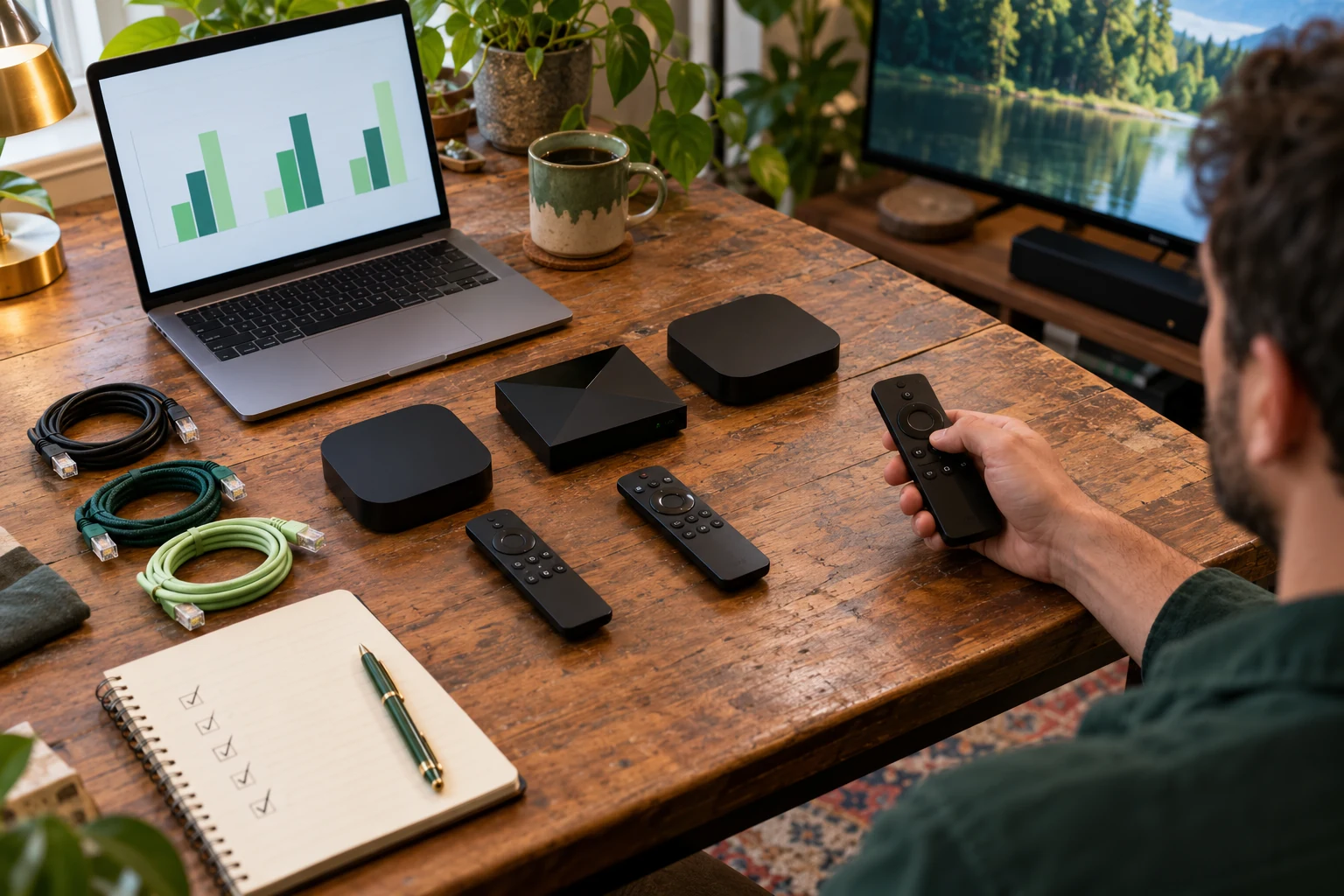
For IPTV viewing in the UK in 2027, start with a clear description of what fails: login, loading the guide, opening one stream or playing every stream. Compare the intended device and home connection before changing network settings. A playback failure alone does not identify its cause or establish that an ISP is deliberately restricting it.
Collect a useful symptom record
Write down the player, device model, time, programme and exact message. Note whether ordinary internet apps work on the same device. If the account opens but one programme fails, report that narrower issue. If the device cannot use the network at all, the first question is the connection rather than the channel list.
Our UK guide provides the country starting point, while Help can use a precise symptom record. Keep account URLs and passwords out of public screenshots.
Check the home connection in one controlled comparison
Google's home-network guidance lists distance, physical barriers and shared bandwidth as relevant Wi-Fi factors. Compare conditions you can describe: the same stream at a different time, or Ethernet versus Wi-Fi where your equipment supports it. Note the result before making another change.
For Google TV, the official troubleshooting guide documents checking the selected network, system updates and restarting the device. Use your own manufacturer's steps on other hardware. A factory reset is a disruptive last step; Google's guide says it erases device data.
Put the guide to use.
Trial the intended UK home setup; ask support about precise playback and access symptoms.
Treat routing and access as separate questions
If support requests a comparison on another connection you are authorised to use, record it as a difference between two paths. It does not, by itself, prove the reason. Ask the ISP about network faults or applicable restrictions and ask the service about the relevant stream and account status. Avoid changing several DNS, VPN and player settings together: the result would be difficult to interpret.
Rights also need their own answer. The UK Intellectual Property Office's streaming guidance concerns permission to access content. A functioning app or changed network route does not establish that permission. Ask about your intended programming before paying.
For example, if a television has a problem while another device does not, write down the differences before repeating the comparison: player, network connection, stream and time. Do not treat that example as a diagnosis. Ask which single difference support wants you to compare next. A short record with one controlled change is more informative than a list of settings altered during the same evening.
Choose the next step from the evidence
For a new setup, use the 24-hour trial on the device and connection you intend to keep. It currently needs no card. If the setup meets your requirements, compare screens and duration. Existing customers should check their account and use renewal for an expiring line rather than treating expiry as a network fault.