How to start a 24-hour IPTV trial for 2027
Know what to enter, what arrives next and which viewing checks matter before choosing a plan.
 No card neededA free day, step by step.
Your next step.
Try it, or keep watching.
Start with the free-trial form, provide a reachable email and your country, and describe the device you plan to use. The current offer lasts 24 hours, requires no card and does not renew automatically. A person prepares access within four hours, so plan your first viewing session around the reply rather than expecting immediate credentials.
Complete the form with useful setup details
Email and country are required in the current form. Device and language preference are optional, but specific answers help explain your intended setup. “Samsung television, model code…” is more useful than “TV”. Add the language you would prefer to use when discussing your request; it is not a promise that every programme has that language.
Read the choices shown on the live form before sending it. This guide does not ask you to provide payment details for a trial. If you already have an 8K TV username and want to extend that line, go to renew your account instead.
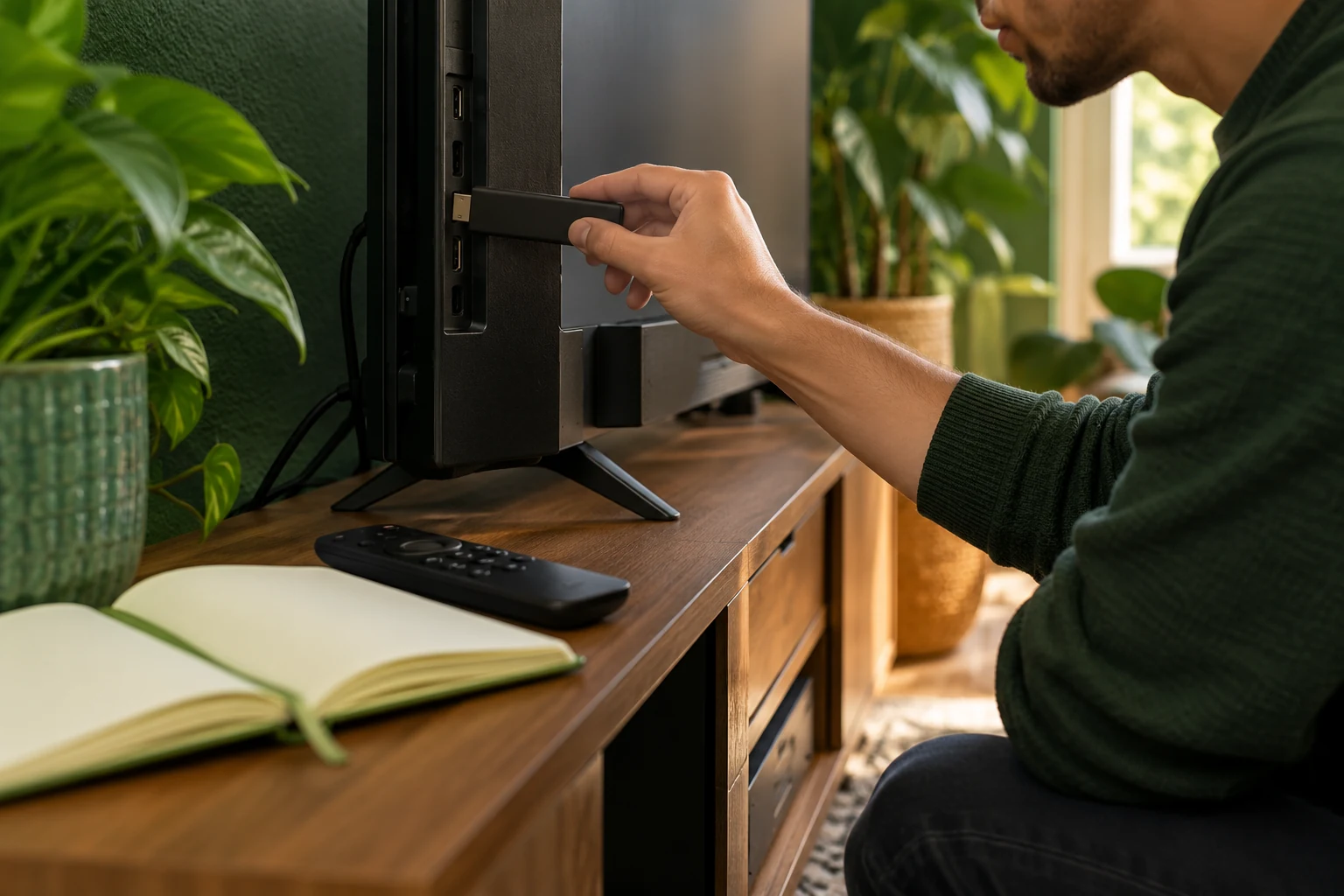
Prepare one compatible player
Use the setup overview to distinguish the service from the player. Identify the app for your actual device, its publisher and any separate charge. Check the relevant device guide before installing: Fire TV and smart TV use different app environments.
Keep the preparation email private. Enter each supplied item in its corresponding player field and preserve the full address when one is provided. If the app's form does not match the details, ask for help with the player name rather than guessing.
Put the guide to use.
Request a new trial with a reachable email; renew an existing connection instead of requesting duplicate access.
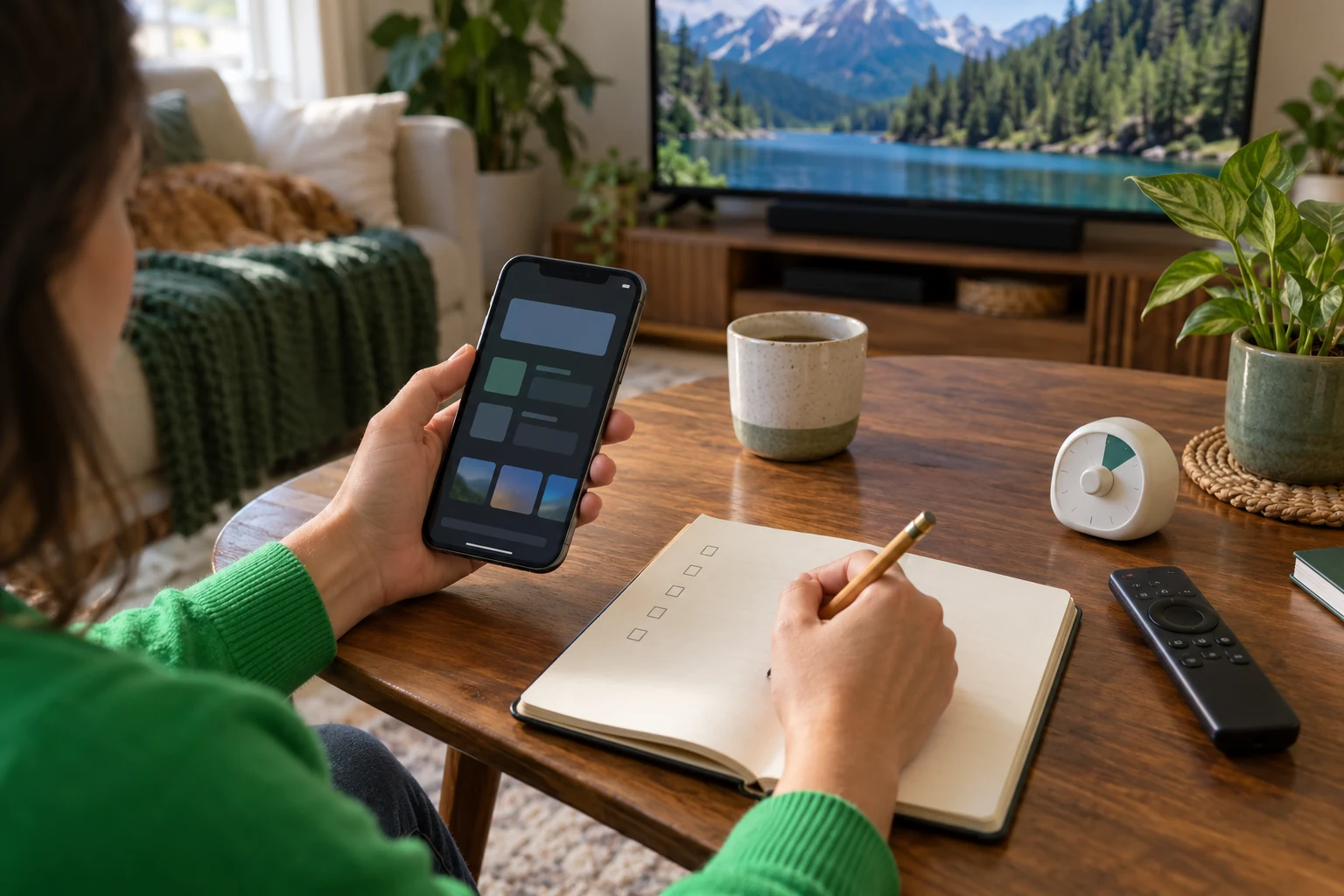
Give the trial a short viewing plan
- Choose a few specific programmes or channels you actually want and ask whether they are currently available to you.
- Try the remote, guide text, sound and ordinary channel changes.
- Watch on the device and home connection you intend to keep.
- Note the time, title and exact symptom if something fails.
- Check how many people need to watch simultaneously before comparing plans.
One connection is one concurrent screen. Sequentially testing two devices is different from running two streams together.
Before requesting access, choose a viewing window when the intended device is available. Ask how the trial start and end are shown in the reply, then use those details to plan your checks. Keep a small list headed “must work”, “worth checking” and “question for support”. You can then spend the session on your priorities instead of browsing randomly and reaching the end without knowing whether the setup fits.
Finish with a deliberate decision
The trial ends after its 24 hours; current terms leave nothing to cancel and no automatic payment. Review duration and screen options only after the checks answer your needs. For other services, the FTC's subscription guidance explains why payment, cancellation and renewal terms deserve attention before accepting any trial. Check the current offer when you are ready to use it in 2027.