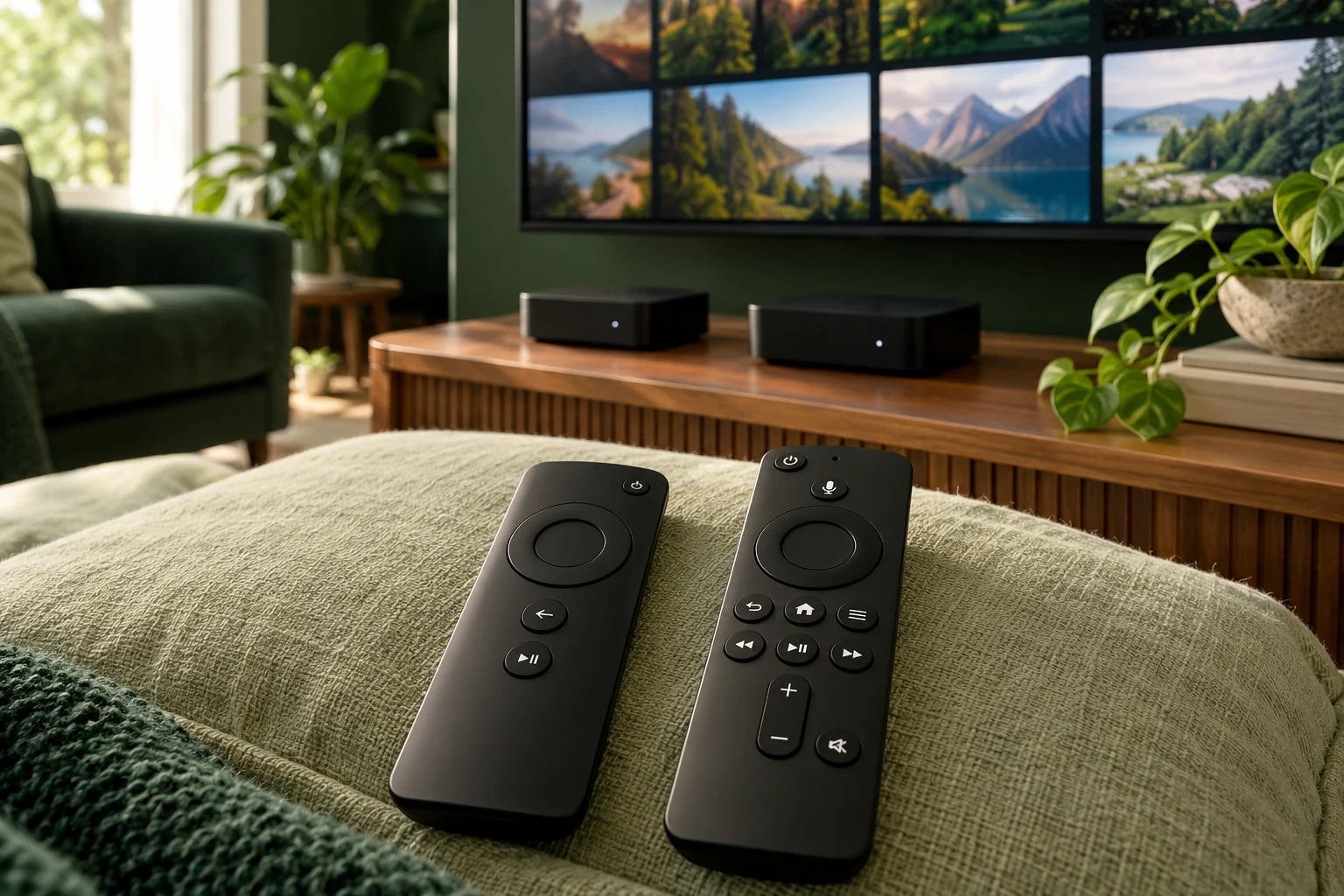
DVR, Catch-up and EPG: What to Check for 2027
Separate planning the next programme, replaying an earlier broadcast and making a recording.
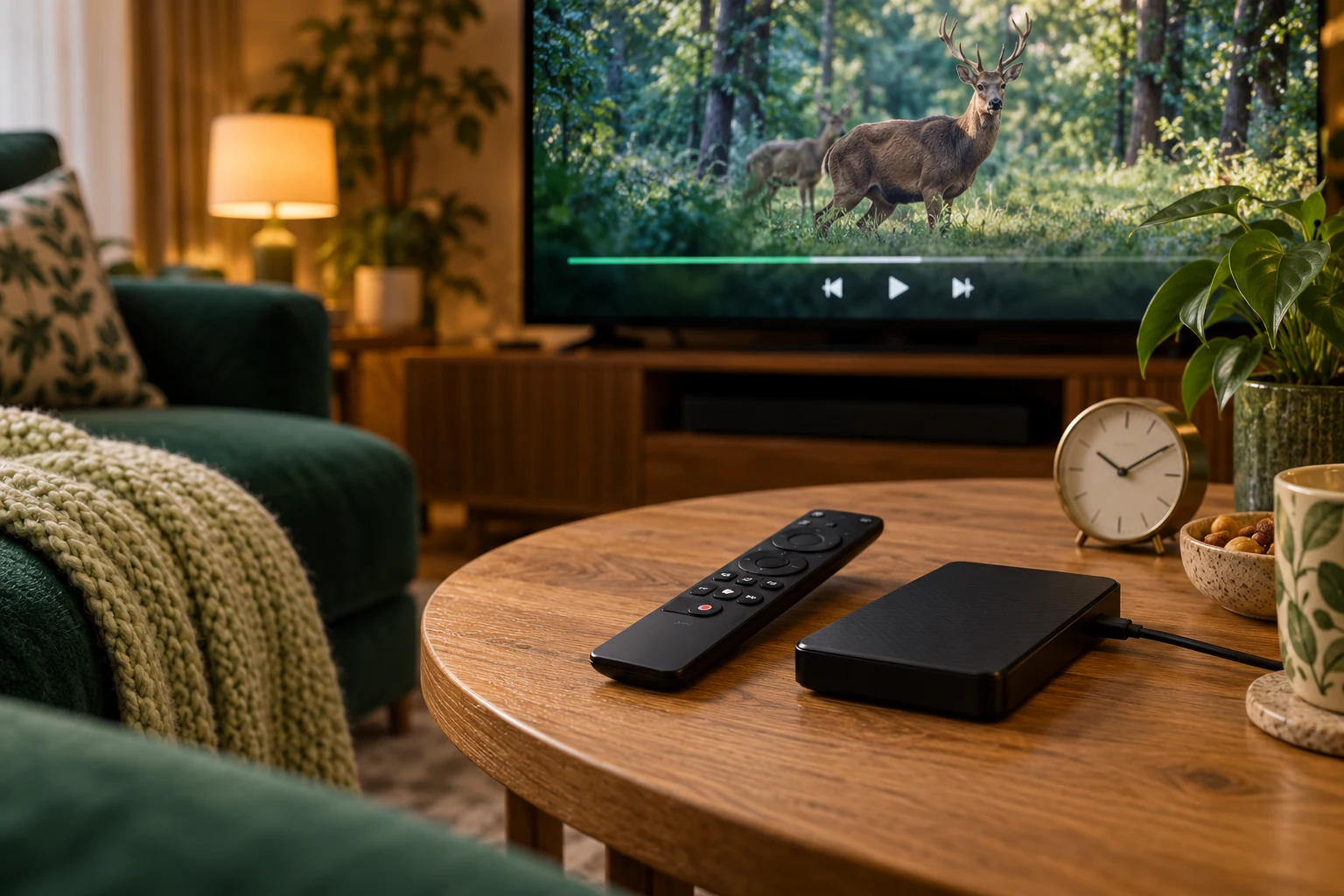 DVR · catch-up · EPGMore than live TV.
Your next step.
Try it, or keep watching.
Ask three separate questions: can you see the programme schedule, replay an earlier broadcast, and record something for later? These needs are often grouped under EPG, catch-up and DVR. Confirm each one for your actual player, account and channel.
A feature menu is a starting point for questions. Use the feature guide and Help to establish what the current supported arrangement supplies before planning your 2027 viewing around it.
EPG: check the schedule
Use the electronic programme guide to assess the information shown for an available channel. Does the displayed current programme agree with playback? Is the time correct for your location? Can another viewer find the next item with the normal remote?
Record a mismatch with the channel, displayed time and actual programme. A schedule entry should be checked separately from whether the account can open or replay that programme.
Catch-up: ask about the specific broadcast
If you want to revisit something that has aired, ask which channels and periods support that action. Check the selected programme during your evaluation rather than assuming every guide row is playable.
Record how you start the replay, which controls are available and whether the required audio is present. Keep replay availability separate from a promise that you can retain a programme permanently.
Put the guide to use.
Confirm guide, replay and recording needs before purchase
Recording: confirm the dependencies
For recording, ask about the player, device, permitted content, storage location and any additional cost. Confirm what happens when the television is off or the account expires, using the applicable publisher and service documentation.
The TiviMate publisher listing gives one example of a player advertising recording, catch-up and guide capabilities while supplying no content itself. Your player and service each need to support the intended task.
Check concurrent use
One 8KTV connection permits one concurrent screen. Ask how a proposed recording or multiple-view arrangement interacts with that allowance before configuring it. The presence of a player control does not add service connections.
Use a 24-hour no-card trial to assess the supported features you need, allowing up to four hours for human preparation. Choose a small set of concrete tasks so an attractive guide does not distract from the feature you actually require.
Choose after the feature check
Review duration and connection options after confirming the essential tasks. Keep app purchases and storage decisions in the complete cost. Ask support about unresolved dependencies before paying.
Existing customers can renew the same credentials. Review the required features again if you change player, device or recording plans. Renewal extends the account rather than establishing a new feature entitlement.