Choosing an IPTV Player for 2027: Device and Feature Criteria
Use a player-selection checklist that fits your device and household instead of an unexplained top-five ranking.
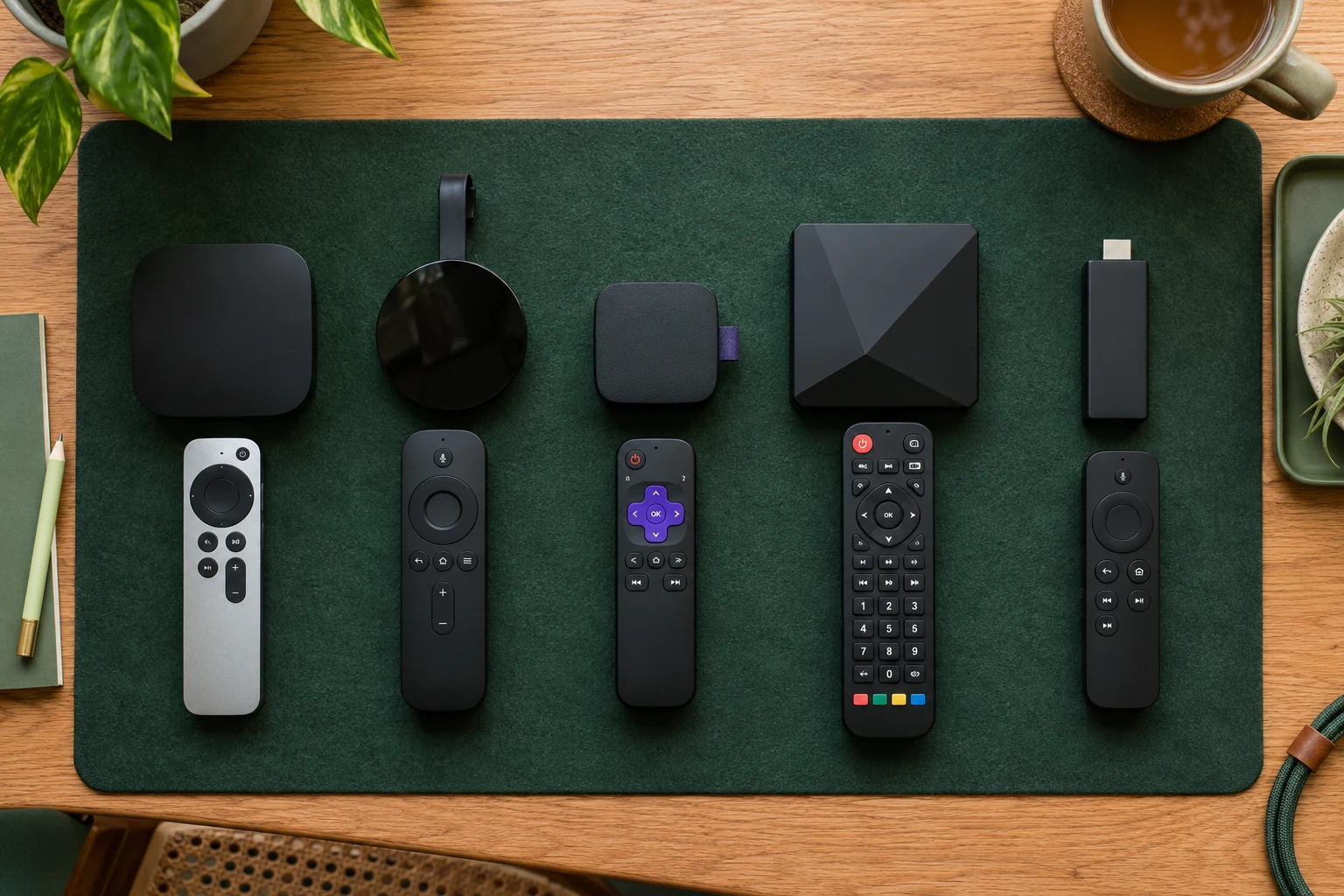 Five apps comparedFind your player.
Your next step.
Try it, or keep watching.
Choose an IPTV player by matching the exact device, account format and household tasks. Start with compatibility, then compare navigation and the features you will use. A popular name or a ranking position does not answer those questions.
Before planning a 2027 setup, write down the operating system and model of the television or box. Ask 8KTV Help which current player and installation source match your supplied access.
Use a short selection sheet
| Criterion | What to confirm |
|---|---|
| Platform | The publisher supports your exact operating system and device. |
| Identity | The store listing and publisher match the intended app. |
| Access format | The app accepts the account format you were supplied. |
| Purchase terms | Current price, licence scope and renewal conditions. |
| Everyday use | Search, favourites, guide time, audio and remote tasks. |
Keep app costs separate from television-service costs. Save the publisher and receipt information so you know who can answer a licence question later.
Treat features as requirements
For example, the official TiviMate listing describes Android TV and remote use, own playlists and no supplied content. That is a platform-specific example, not a claim that the same app belongs on every television, phone or box.
For another player, use its own current official listing. If recording, catch-up or multiple views matter, ask what the app supports, what the service supplies and what the account permits. Record any unanswered dependency before paying for an upgrade.
Put the guide to use.
Match the player to the device before buying
Compare normal tasks
- Find a familiar available programme using the normal remote.
- Open and leave the guide without losing your place.
- Try the needed audio or subtitle controls.
- Ask another household member to repeat the daily tasks.
- Record a limitation in plain language rather than assigning a vague star rating.
When comparing players, keep device and viewing choices consistent. On one 8KTV connection, stop playback before starting another stream. Player multiview options do not expand the one-concurrent-screen allowance.
Choose the service and app deliberately
Use the 24-hour no-card trial to assess the supported service setup, allowing up to four hours for human preparation. Review paid duration and connection options after the device questions are answered.
Existing customers can renew the same credentials. App licences remain a separate matter to confirm with their publisher. Choose the arrangement that your household can navigate and maintain confidently.