IPTV Troubleshooting for 2027: Login, M3U, Buffering and App Crashes
Match the symptom to the failed stage, preserve working settings and troubleshoot playlists, sign-in, streams and app performance separately.
 TroubleshootingBack to a clear picture.
Your next step.
Try it, or keep watching.
Start by identifying the failed stage: account sign-in, playlist import, programme guide, playback or the app itself. Then check whether one channel or the whole setup is affected. This 2027 troubleshooting guide keeps those symptoms separate so that a playlist problem does not lead to an unnecessary device reset.
Keep your access message and working settings. Write down the exact error, device model, app name and version, local time and time zone. Never include passwords or complete private playlist links in a public screenshot.
Choose the symptom that matches
- Playlist will not import: check the supplied M3U link and entry method.
- Login rejected: check server, username and password as separate fields.
- One channel fails: compare one other available channel and record the difference.
- Several streams buffer: inspect the connection at the actual screen.
- App closes or freezes: follow the device-specific app checks.
- The whole device feels slow: distinguish system performance from a single stream.
M3U playlist will not load
Use the playlist-import option for the exact access format you received. Compare the complete link privately with the original message: punctuation, port, parameters and accidentally added spaces all matter. Keep the supplied http:// or https:// scheme; changing it on guesswork can produce a different failure.
Check whether the error occurs while downloading the playlist or only after you select a channel. A downloaded channel list and a playable stream are separate checkpoints. If the link is truncated, the account has expired or the player requests information you were not given, ask Help to confirm the current details. Read the M3U explanation and import guide before trying conversion tools. Do not submit a private link to a public checker.
Put the guide to use.
Resolve a channel-specific problem before deciding on renewal
Xtream Codes / XC API login fails
Confirm you selected the server/username/password method rather than the M3U URL field. Copy each supplied value into its corresponding field, keeping the server scheme and port. Check leading or trailing spaces and characters confused by the on-screen keyboard. Follow the chosen player's instructions about the server field; a complete playlist download URL is not automatically the correct server entry.
A generic “login failed” message does not establish whether the cause is the entered details, account status, server availability or an unsupported player. Ask support to check the existing account and exact app. Say whether it ever worked and when it stopped. Do not create a replacement account or pay for renewal merely to diagnose the message.
One channel fails, is missing or has no sound
- Record the exact channel, programme and time, including the displayed error.
- Stop it, open one other available channel in the same app and note whether both picture and sound work.
- Return once to the original item and record the result.
- If only sound is missing, check the selected audio track, mute and output device before changing the account.
- Report a missing listing separately from a listed channel that will not play.
A guide entry does not establish programme availability or viewing rights. Ask about the specific item. If a second supported device is needed for comparison, stop the first stream before opening it: one connection covers one simultaneous screen. A comparison helps describe the problem; it does not prove the cause.
Several channels buffer or freeze
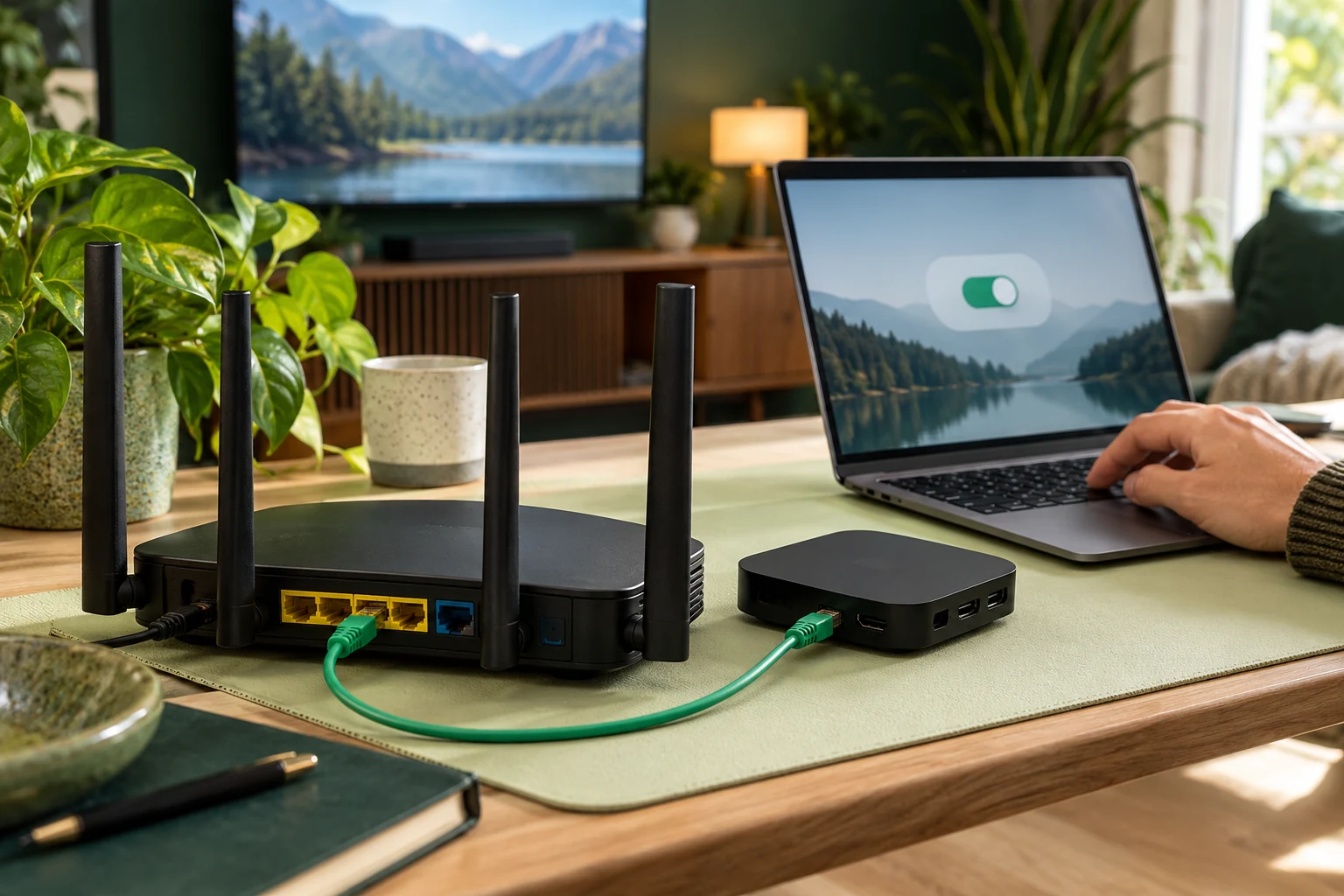
Record whether the issue affects several programmes, other apps or other devices. Check the screen's current connection and whether large downloads are competing with viewing. If your equipment supports it, compare a wired connection with the existing Wi-Fi arrangement while changing only that condition.
Google's Nest Wifi guidance discusses distance, obstructions, shared network use and router/ISP checks. Follow the corresponding instructions for your own equipment. A good speed-test result elsewhere in the home does not describe every part of the television's connection. Use the wider setup triage guide when several stages are affected.
Avoid changing DNS, installing a VPN or altering several buffer settings at once. Those actions can obscure which condition changed and do not establish why the original stream failed.
The player crashes or will not open
If the app closes to the home screen, troubleshoot the app before re-entering a playlist. Save its name, version and the action that triggers the crash. Reopen it, check the publisher's app updates and use the device maker's restart instructions. Preserve account details and favourites before any reinstall or storage reset.
For a Google TV device, Google documents restarting, closing background apps and checking app/system updates. Its video troubleshooting instructions also show clearing the affected app's cache. Apply these menu instructions to Google TV only; Fire TV, Samsung and LG menus differ. Clearing cache is different from clearing app data, which may remove sign-ins and settings; TCL explains that distinction for its Google TVs.
If only this player crashes while other apps work, contact its publisher with the reproduction steps. If several apps fail, continue with the device-level checks below.
The Fire TV or television itself is slow
Check whether menus, searches and other apps are also slow. That is a different symptom from one channel buffering. Use your device manufacturer's instructions to restart, check available storage and update the system. Do not factory-reset the television as a first step.
Google's slow-device guide above covers background apps and updates for Google TV. TCL's guide also includes checking free storage on its models. For Fire TV or another television, start with the Fire TV or Smart TV guidance and confirm the exact model before applying menu steps. A lighter playlist or another player should be considered only after you know which part is slow, rather than as a universal cure.
Escalate with a useful record
Send support the failed stage, exact error, device/app versions, time and the result of one controlled comparison. Say whether the account and installation previously worked. Redact credentials. After an agreed change, repeat the affected step once and report the outcome.
If you are using the 24-hour trial, raise important failures during that evaluation. Existing customers can use account renewal to extend their existing credentials after checking their needs; renewal is not a repair for a crash, missing channel or unconfirmed login error.
Troubleshooting questions
Why can IPTV buffer when a speed test looks good?
The test and the television may use different paths or conditions. Record the affected programmes and compare the actual screen's connection and household activity. Do not infer an ISP or server cause from the speed number alone.
Why will my M3U URL not import?
Check the exact link, format and app field first. Ask support to confirm account status and current access details if it still fails. Do not publish the URL or change HTTP to HTTPS, or HTTPS to HTTP, as a generic fix.
What does “XC API login failed” mean?
The app did not complete that account-entry attempt. The message alone does not identify the cause. Compare the supplied server, username and password, then report the exact player and error to support.
What if just one channel is missing or will not play?
Record its exact name and whether it is absent from the list or fails after selection. Compare one other channel and ask about that item's current availability. Keep a channel-specific failure separate from a whole-account problem.
What if the player keeps crashing on my Fire TV?
Record the app/version and trigger, then follow Fire TV and publisher instructions for restarting and updates. Keep access details before considering a reinstall. If the whole interface is slow too, report that wider device symptom.