Roku and IPTV in 2027: Check Apps, Casting and AirPlay
Identify what your Roku and phone support before relying on casting for daily viewing.
 Options & limitationsLet’s talk Roku.
Your next step.
Try it, or keep watching.
Check the exact Roku model and supported viewing method before buying access or a casting app. Native app use, screen mirroring and AirPlay are different arrangements. Confirm which one your Roku, phone and intended video support.
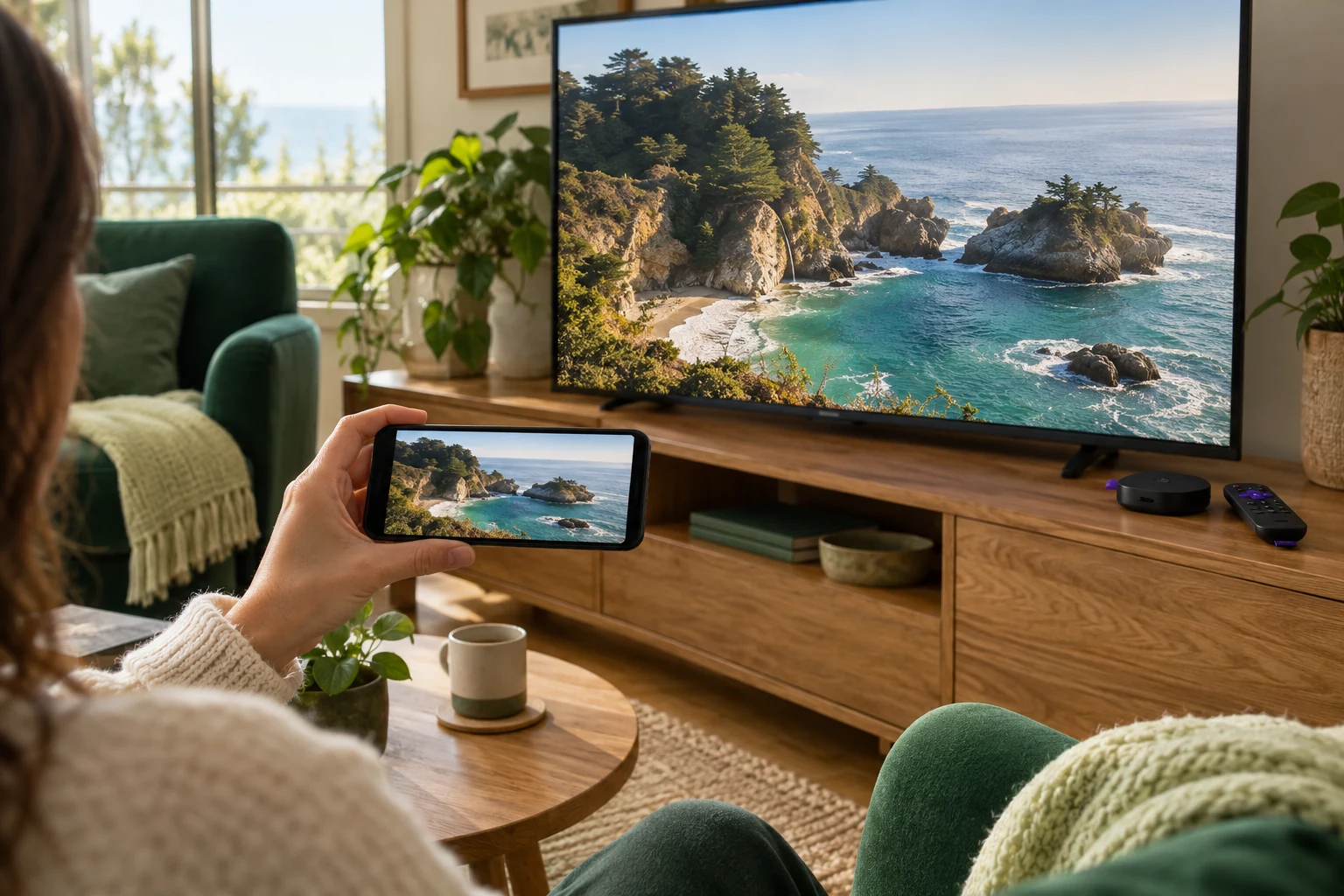
Start with Roku's official screen-mirroring guidance. It distinguishes Android or Windows mirroring from Apple's AirPlay approach. Follow the instructions for the actual source device rather than assuming every phone uses the same connection.
Identify the hardware and app
Record the Roku model and software version. Roku's AirPlay documentation explains how to find these under Settings, System, About and provides compatibility information. Check the current list for your device.
Search the Roku store for the intended app and confirm the publisher. Ask 8KTV Help which current arrangement is supported for your account and model. Keep any third-party casting purchase separate from the television-service purchase.
Confirm the complete casting arrangement
If a provider recommends casting, ask which source app, phone operating system and Roku receiver app are required. Confirm how playback is started, controlled and stopped. Ask whether the particular video is permitted and supported through that method.
Try the ordinary living-room tasks before relying on it: starting a programme, adjusting sound, pausing where available and returning to viewing after using the phone. Record the parts requiring the phone so everyone in the household understands the arrangement.
Put the guide to use.
Confirm Roku model and supported casting workflow
Use model-specific instructions
For compatible Apple and Roku devices, Roku documents AirPlay and the same-wireless-network requirement. For Android or Windows mirroring, use Roku's relevant section and your source-device instructions. Do not substitute a menu path from a different model.
If the connection fails, keep the exact error and model information. Ask the relevant publisher for support before changing several network settings or buying another casting app. Compatibility of the connection and availability of the programme remain separate checks.
Decide whether the workflow suits you
A phone-dependent workflow may or may not suit your household. Compare it with another confirmed supported device using device information. Choose based on the tasks people can perform comfortably, not an assumption that new hardware is always necessary.
The 24-hour no-card trial lets you assess the supported 8KTV arrangement; human preparation takes up to four hours. Stop the first stream before moving devices because one connection permits one concurrent screen. Existing customers can renew the same credentials after confirming the Roku workflow meets their needs.