IPTV and VPNs in 2027: Privacy and Connection Checks
Assess why you need a VPN, what its privacy policy says and how it fits your supported viewing setup.
 VPNs & streamingYour connection. Protected.
Your next step.
Try it, or keep watching.
A VPN is a privacy and network-routing choice; it does not supply permission to watch a programme. First decide why you need it, then check the VPN's privacy policy and the viewing service's terms. Keep content authorisation separate from connection troubleshooting.
The FTC's VPN guidance explains that traffic is routed through the VPN provider and that privacy practices deserve scrutiny. An encrypted connection changes who handles your traffic; assess that provider carefully.
Define the privacy requirement
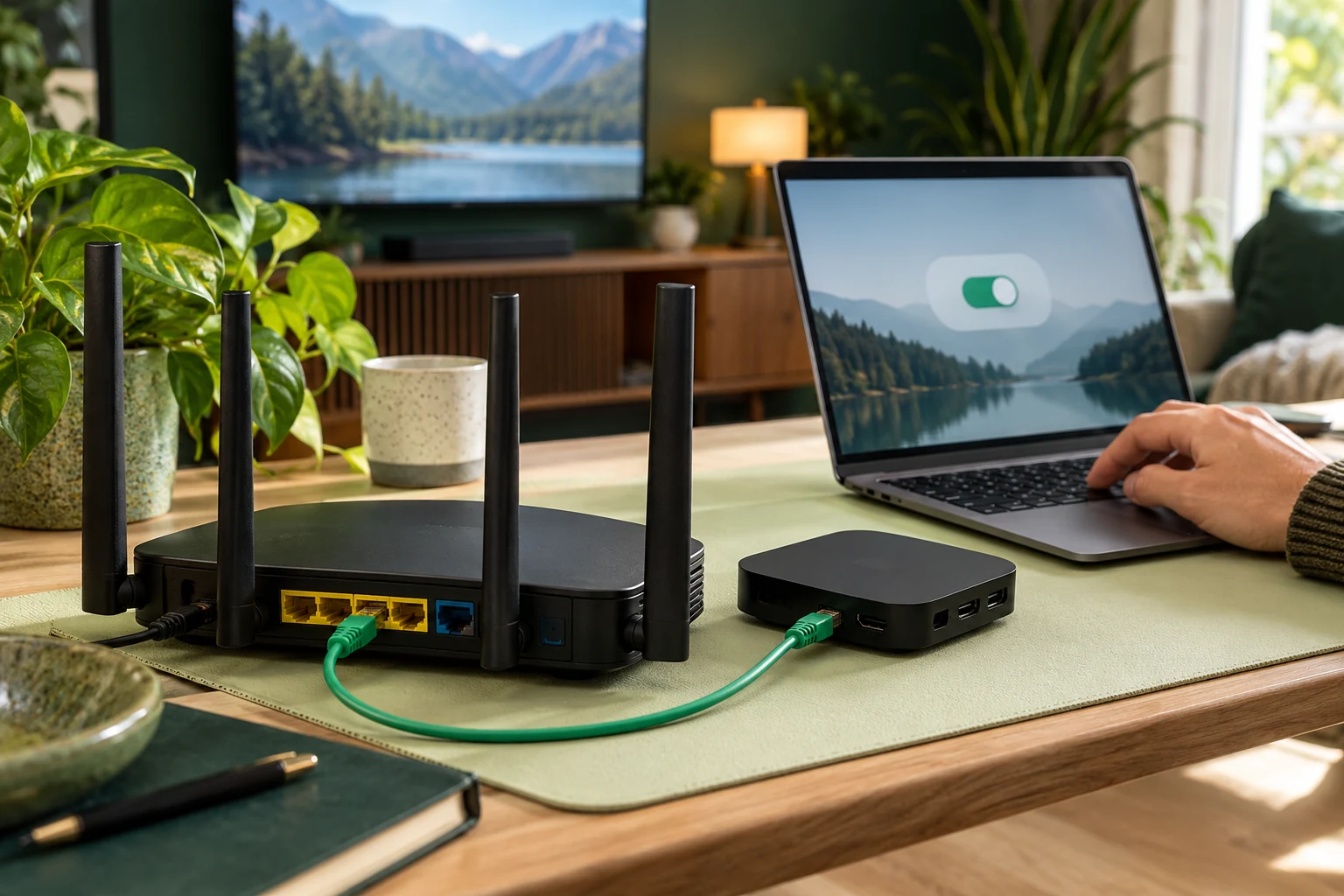
Write down the situation: a home network, work arrangement or public connection. Read the VPN's own current documentation for supported platforms, data handling and permissions. Check whether its settings apply to the television or only to another device.
Ask the viewing service whether VPN connections are supported and what account information it needs. Do not send your VPN password to the television provider. If a country or exit-location field appears, ask how to complete it for your actual connection rather than guessing.
Compare without assuming a cause
If a connection problem appears, keep the same device, programme and approximate test period while changing one relevant variable. Record whether the VPN is active and which approved configuration is in use. Do not interpret one improved session as proof of throttling or a universal speed benefit.
Check the VPN publisher's troubleshooting instructions and your device documentation before altering protocols or installing another network app. If the setup is managed by an employer or shared with other users, resolve changes with the appropriate administrator.
Put the guide to use.
Confirm privacy and supported routing before subscribing
Send a useful support question
- Exact television or box model and player name.
- Whether playback works in the normally supported configuration.
- VPN app and relevant version, without account secrets.
- Programme, local time and exact error or symptom.
- Whether the issue affects one item or several.
Use 8KTV Help or Contact to confirm the supported arrangement. Keep those facts available before changing several settings, so the original symptom remains understandable.
Keep the purchase and rights questions clear
Verify the authorised viewing options for the content and territory. A VPN connection does not establish those rights. Read the chosen provider's conditions rather than assuming changing location makes a programme available under your subscription.
If evaluating 8KTV, request the 24-hour no-card trial, allowing up to four hours for human preparation. One connection permits one concurrent screen. Existing customers can renew their current credentials after resolving connection questions; renewal itself is not a VPN troubleshooting step.