IPTV sports in 2027: check picture quality, timing and access
Make the match, screen and viewing routine the centre of your sports-streaming decision.
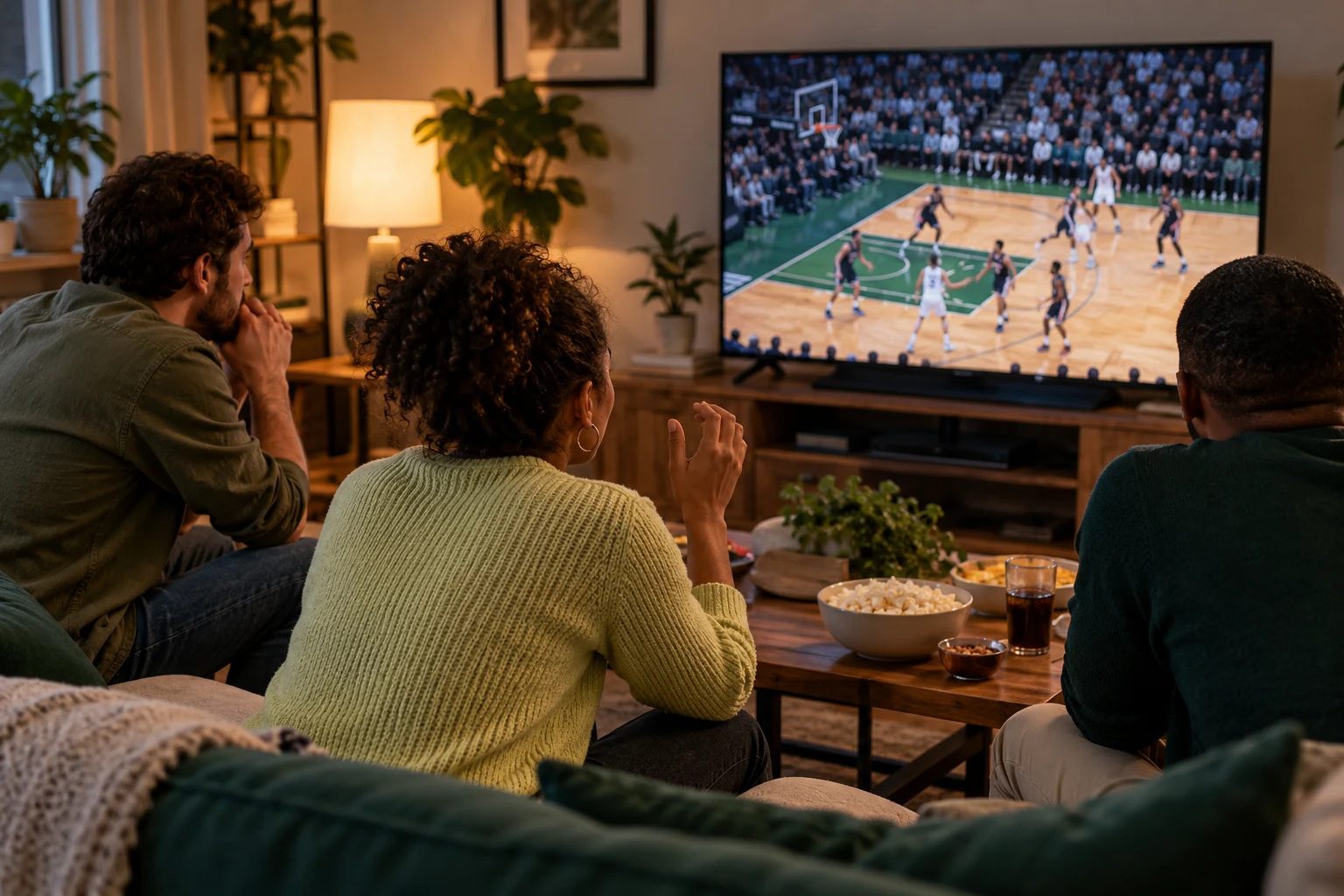 Sports in 4KYour next big game.
Your next step.
Try it, or keep watching.
For sports viewing in 2027, confirm access to the exact event first, then assess the picture, motion, sound and timing on your intended device. A channel name or a 4K television does not answer every part of that check. Plan around the matches and viewing conditions that matter to you.
Start with the event and your location
Write down the competition, fixture, date and country where you will watch. Ask which current service or authorised broadcaster covers that event on your chosen device. The NFL's official viewing guide, for example, distinguishes options by location and device. Check the relevant competition's current instructions rather than assuming a previous season's arrangement continues.
Use our sports-without-cable guide to build a fixture worksheet. Ask support any specific availability question before purchasing.
Assess the sports picture
Sony's official 4K/HDR guidance makes the source and compatible equipment part of the quality check. Ask what format is supplied for the particular feed. Look at player-reported information where available; do not treat an output resolution setting as proof of the source.
- Can you follow the ball and player movement comfortably?
- Are score graphics and small text readable from your normal seat?
- Is commentary clear and in the language you wanted?
- Does sound remain aligned with the picture during the sequence you watch?
Keep the same screen settings when comparing. Record your observations rather than changing picture mode, player and network together.
Put the guide to use.
Confirm the specific event and location first, then assess sports playback during a trial.
Check timing for the way you watch
If notifications or another screen reveal a score first, record what you are comparing: source, device, player and time. Use a visible match clock as an observation, while recognising that different feeds may show different sequences. Avoid calling a comparison “zero delay” without a defined reference and measurement.
If you travel, read the specific service policy. YouTube TV's home-area guidance is one example of viewing rules tied to location, not a universal IPTV rule.
Build a short match-night note with the event, confirmed viewing option, screen, local start time and the questions to check before kick-off. Keep a space for any interruption and its time. If testing another device, do it as a separate session unless the account supports concurrent viewing. Afterward, review whether the result met the way you watch: alone, with family, or alongside another screen.
Plan a useful trial session
The current 24-hour trial needs no card, with human preparation within four hours. Arrange the request early enough for the session you want to assess. One connection is one concurrent screen. Check the current screen options if several people want different games at once, and keep a specific symptom record for Help if playback interrupts the match.