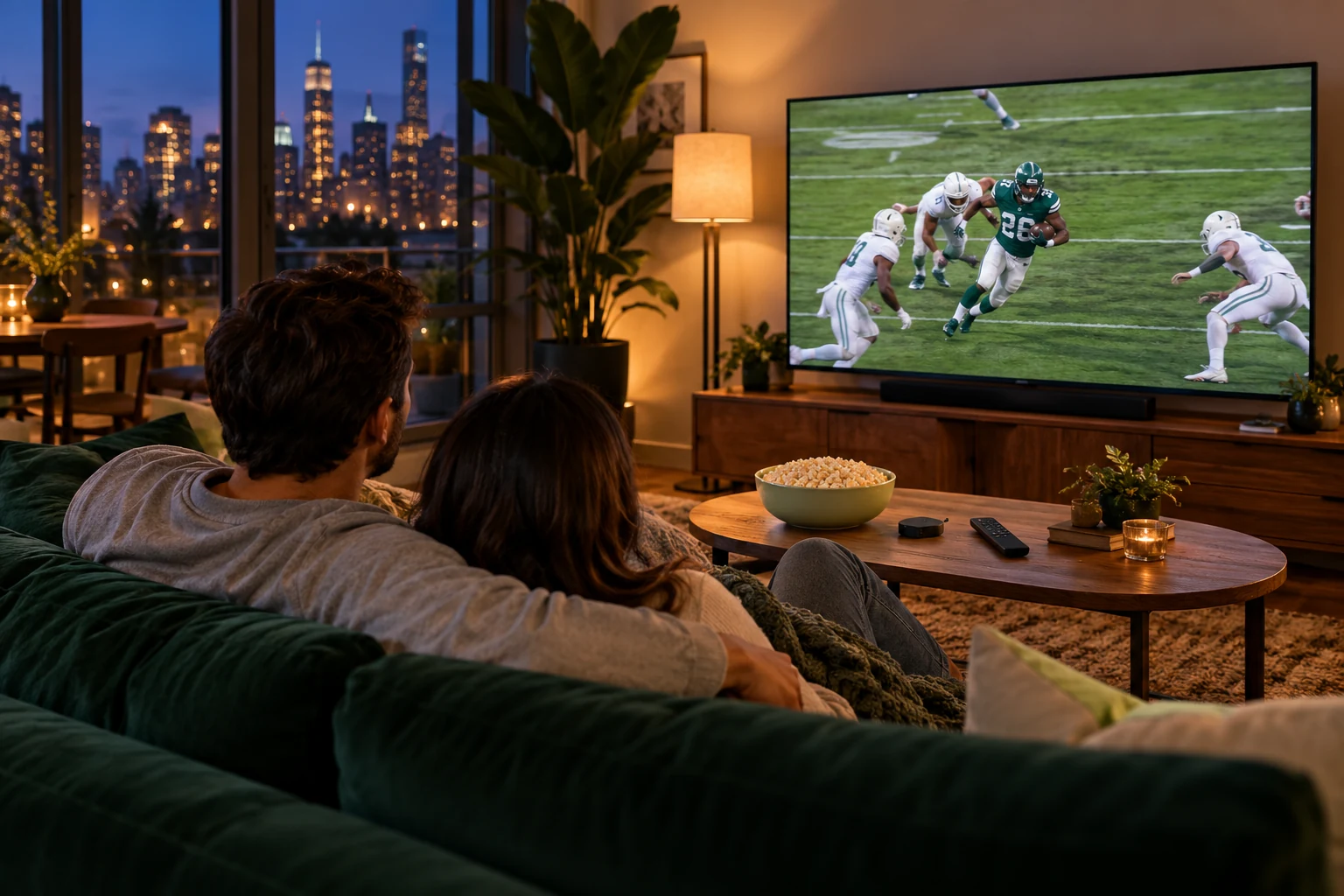
Watch live sports without cable in 2027: build a fixture plan
Choose the fixtures first, then find the authorised viewing option for your location and device.
 Your viewing guideSports without the cable.
Your next step.
Try it, or keep watching.
To watch live sports without cable in 2027, work from the fixtures you want to the authorised services available where you live. Check the screen you can use, local and out-of-market conditions, and current subscription terms. A useful sports plan is a calendar with confirmed viewing options, rather than a promise that one app carries everything.
Start with a short fixture calendar
Choose the competition and matches that would determine your purchase. For each, record date, start time in your local zone, country, intended screen and whether you need live viewing or a replay. Mark the broadcaster or service as unresolved until the event's current official information confirms it.
The NFL's official viewing guide illustrates why location and device matter: it distinguishes mobile viewing, connected-TV access and out-of-market options. Use the equivalent current source for your competition. Recheck when preparing for a new season.
Compare the option against the fixture
| Question | What to confirm |
|---|---|
| Can I watch here? | Territory and any local or blackout conditions. |
| Can I use this screen? | Exact device support and any device-specific limits. |
| Is it live? | Live coverage, replay timing and recording conditions. |
| What will it cost? | Current term, extras, renewal and cancellation terms. |
Location policies differ. Read YouTube TV's home-area guidance or Hulu's Live TV home-network guidance when considering those services. Ask a different provider for its own rules rather than assuming the same conditions apply.
Put the guide to use.
Confirm event rights and availability, then assess the appropriate playback setup before purchasing.
Check the match-night setup
Use the actual television, player and connection. Check commentary, score graphics, movement and ease of navigation. The sports quality checklist helps structure that viewing check, while the regional-access guide explains which location questions to bring to a service.
If considering 8K TV, ask support about the exact event and intended use before relying on it. The current 24-hour trial needs no card, with preparation by a person within four hours.
A useful fixture sheet has one row per important event, with columns for the official viewing source, permitted location, supported device and current cost. Add a reminder to recheck details nearer the event. If one essential fixture is unresolved, keep it visible as a question rather than assuming the rest of the calendar covers it. This also shows whether a season-long purchase or a shorter period matches the events you actually plan to watch.
Pay for the routine you need
One 8K TV connection supports one concurrent screen. If household members want separate matches at once, compare the relevant screen option. Keep other subscriptions needed for particular competitions in your budget, and confirm the current season's arrangements before selecting a longer term.