Choose an IPTV service for 2027: a household fit checklist
Start with your non-negotiables, test the setup and choose a plan only when the important questions are answered.
 The streaming guideGet to know IPTV.
Your next step.
Try it, or keep watching.
The right IPTV setup for 2027 is one that meets your household's actual requirements on the devices you use. Start with a short list of non-negotiables, confirm current access and compatibility, and test the complete setup before choosing a term. A service can fit one household and leave another's most important question unanswered.
Choose three requirements that decide the purchase
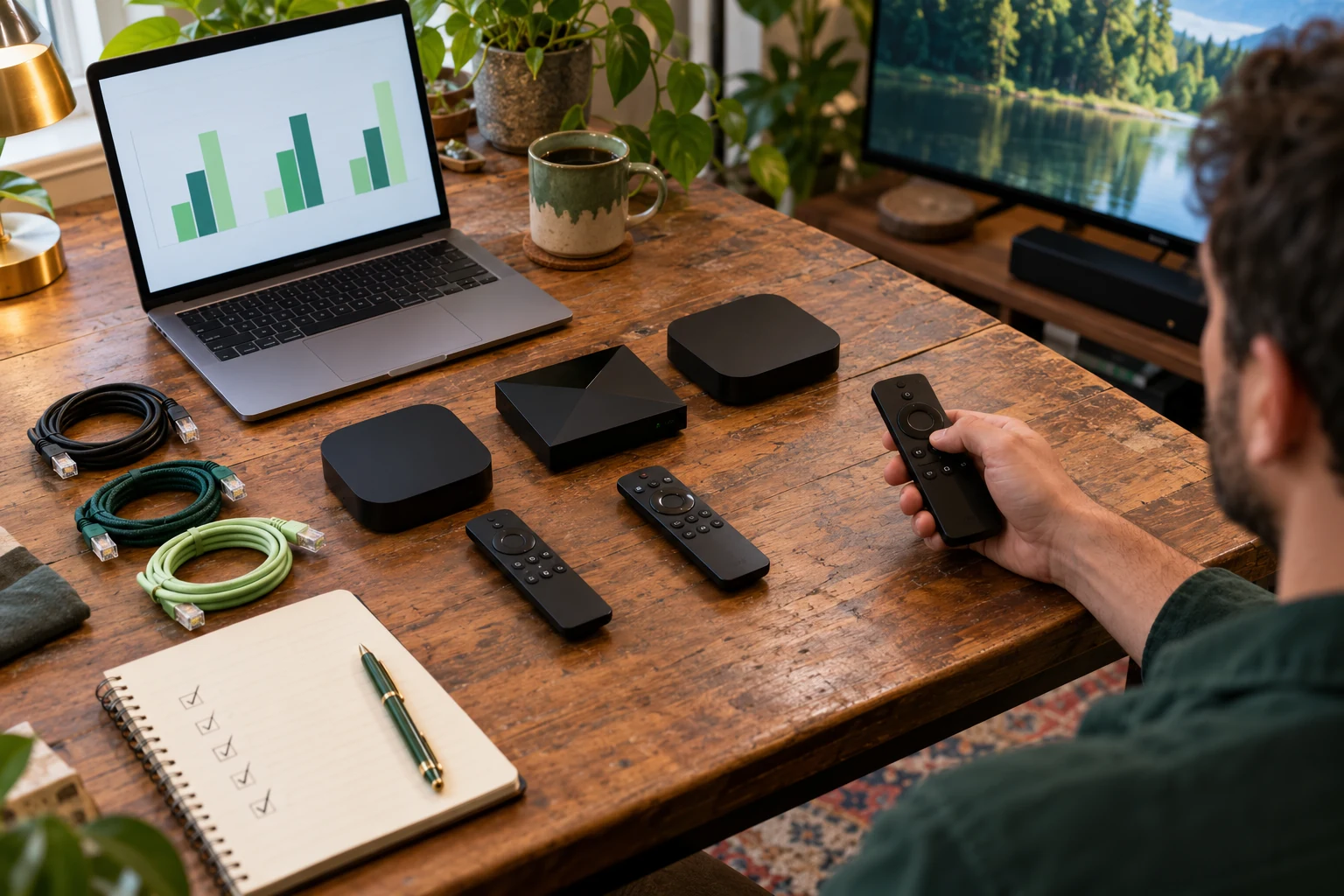
Write down the programmes or channels you most want, the screen on which you will watch and the number of concurrent viewers. Add a requirement such as readable guide text or simple remote use if it would determine whether the setup gets used. Keep desirable extras separate so they do not distract from an essential mismatch.
Use the 2027 planning guide for the broader checklist. This article helps make the final household decision once you know the options.
Give each requirement a clear outcome
| Requirement | Pass | Next action if unresolved |
|---|---|---|
| Current programming | Your specific priorities are confirmed. | Ask about exact titles, feeds and location. |
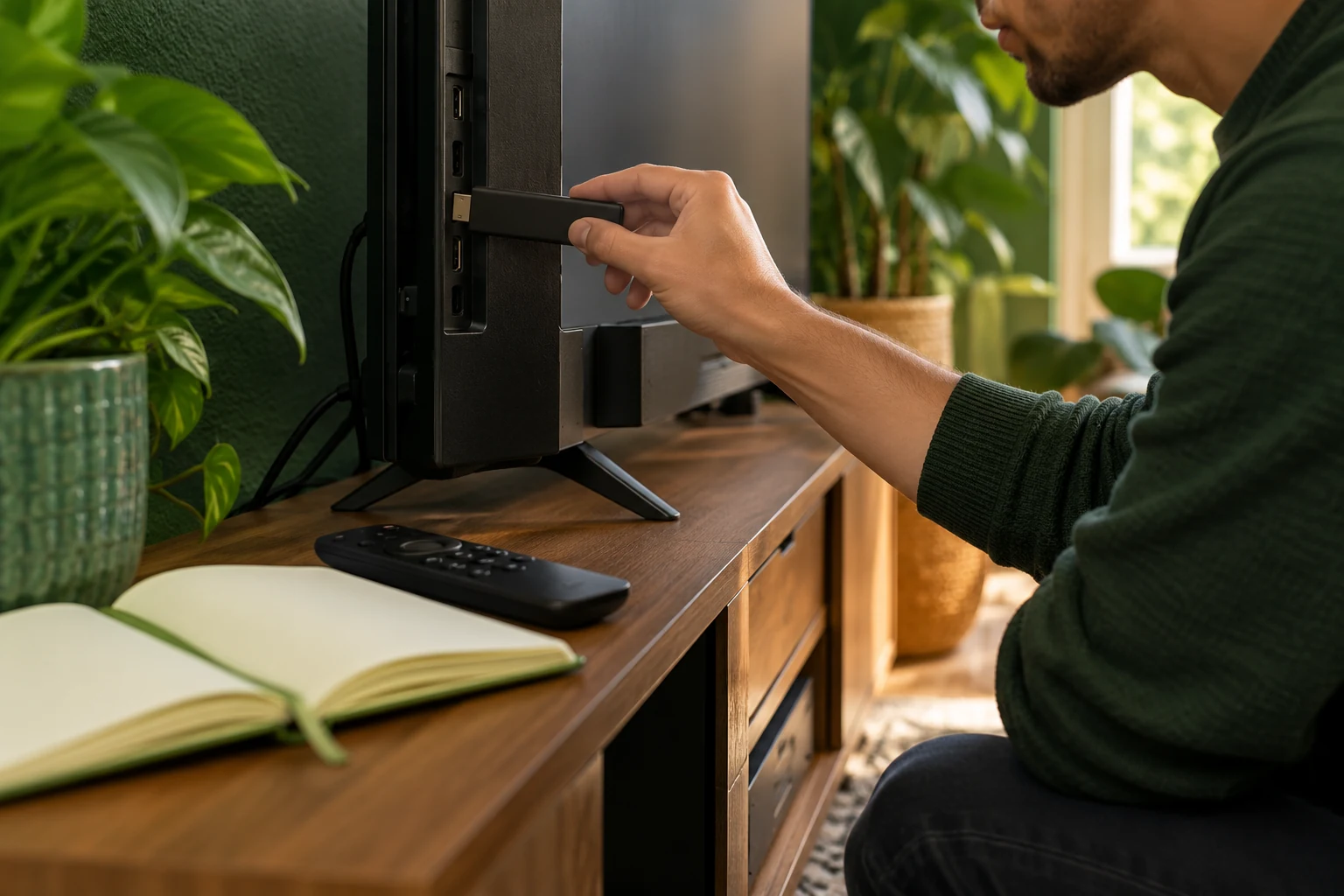
| Device and player | The intended setup accepts supplied details. | Check model and player documentation. |
| Shared viewing | Concurrent-screen allowance matches the household. | Recalculate the correct connection option. |
| Everyday use | Viewers can navigate comfortably. | Try the actual remote and guide together. |
The service overview helps you identify the areas to discuss. Bring unanswered essentials to Help rather than scoring them as present.
Put the guide to use.
Choose a trial around the household's must-have tasks; existing customers review fit before renewal.
Test an ordinary evening
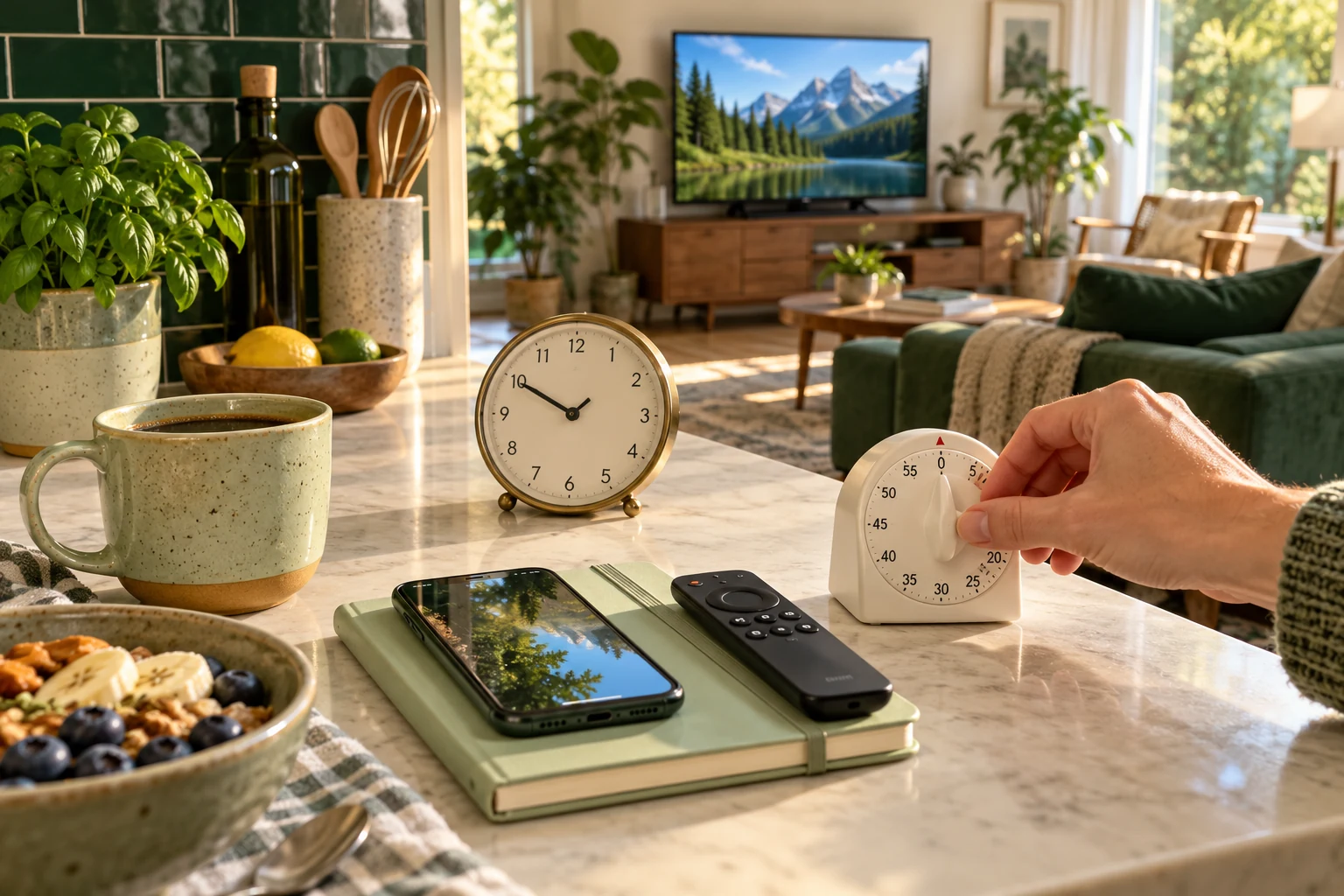
The current 24-hour trial needs no card and is prepared by a person within four hours. Use the actual television, home connection and viewing time you intend to keep. Ask another viewer to find a programme without walking them through every button; note the point at which they need help.
For a one-connection account, keep one screen playing at a time. If simultaneous viewing is essential, confirm the appropriate option before judging whether the household routine works.
Agree in advance which unresolved item would pause the purchase. For one household it might be a particular programme; for another it may be whether a parent can navigate the guide independently. Give that item a clear yes, no or needs-an-answer outcome. Keep preferences such as visual style in a separate column. The purpose is a shared decision everyone understands, rather than a score that hides the one requirement you cannot compromise on.
Choose duration after fit
Compare the current total on Pricing, including any separate app or hardware purchase. A longer term makes sense only after the requirements are answered to your satisfaction. Existing customers can review the same checklist before renewing their current line; renewal keeps its credentials and does not create an automatic renewal charge under present terms.