Satellite TV or Internet Streaming? A 2027 Hardware Comparison
Compare the complete satellite and streaming arrangements before returning equipment or cancelling a service.
 Two ways to receive TVBeyond the satellite dish.
Your next step.
Try it, or keep watching.
Compare satellite and internet television as complete household arrangements: hardware, available programmes, connection needs and account terms. The better fit depends on your address and viewing requirements. Start with the service you can actually receive and support at home.
A dish, receiver and installation are different decisions from a broadband connection, supported player and television. Use this 2027 worksheet to compare them without assuming either arrangement will always be cheaper or uninterrupted.
List the hardware you depend on
| Question | Satellite arrangement | Streaming arrangement |
|---|---|---|
| What delivers viewing? | Confirm dish and receiver requirements. | Confirm internet and supported player requirements. |
| What stays if you cancel? | Ask about equipment ownership and returns. | Ask about player purchases and account access. |
| What does the household need? | Check extra-room and recording terms. | Check simultaneous streams and recording support. |
Use your provider's answer for the exact installation. Existing hardware should not be repurposed or removed based only on a comparison article.
Understand connection dependencies
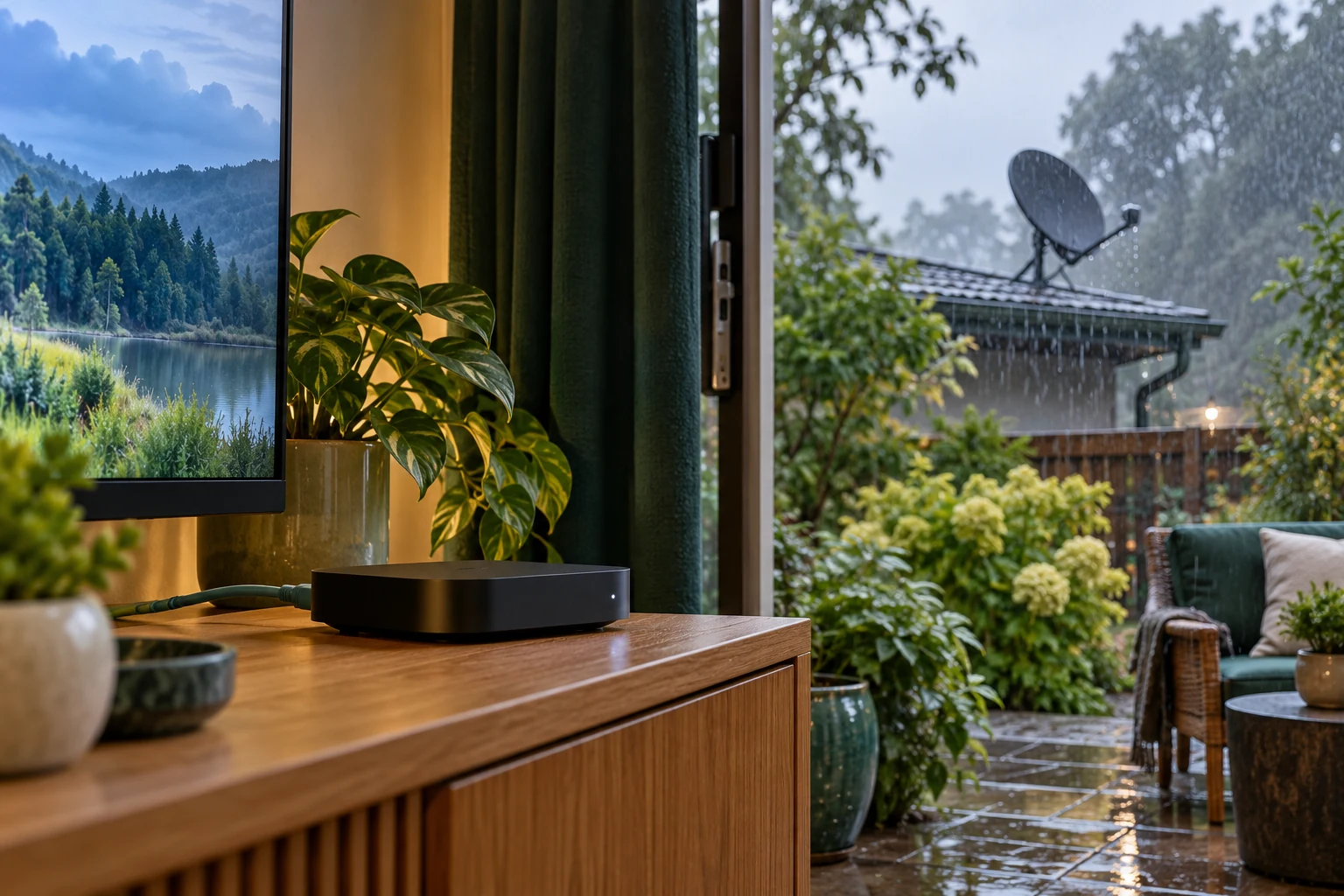
DIRECTV documents severe-weather satellite interference. It also describes broadband alternatives for supported setups. Check your receiver and plan before assuming those features apply.
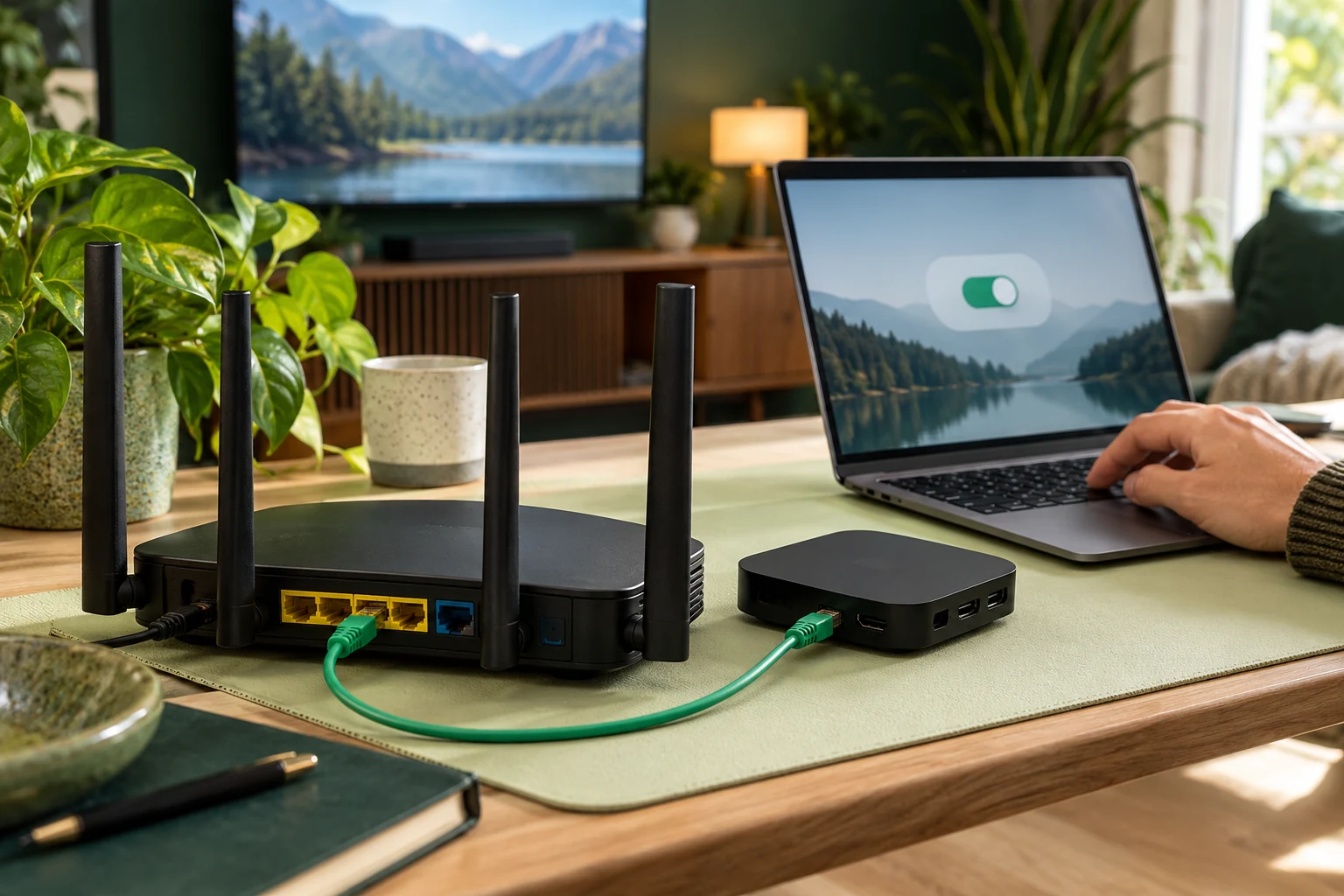
Internet viewing also depends on a working network. For the streaming option, assess your usual television location and viewing hours. Keep an interruption log with the item, time and device so you can ask the relevant provider an informed question.
Put the guide to use.
Compare hardware and account terms before switching
Compare your actual total
Include installation, receiver or player costs, extra-room requirements, retained subscriptions and the effect of changing an internet bundle. Ask the current provider about cancellation conditions. Calculate from your own bill rather than an advertised starting price.
For 8KTV, one connection permits one concurrent screen. Review the screen count and duration on the pricing page. A household with two simultaneous viewers needs a different comparison from someone moving one stream between devices.
Test before changing the installation
Use How It Works and Help to confirm the proposed streaming setup. The 24-hour trial needs no card and is prepared by a person within four hours. Assess the essential available programmes before deciding to cancel the existing service.
If 8KTV already meets your needs, renew with the same credentials. Keep any dish removal, receiver return or account cancellation as a separate decision governed by the existing provider's instructions.