8K TV service guide for 2027: what to check before choosing a plan
A factual guide to the current offer, the questions to confirm and the account details to keep for renewal.
 Service reviewA closer look at 8KTV.
Your next step.
Try it, or keep watching.
For 2027 planning, evaluate 8K TV around the current offer and your own viewing requirements. The present trial lasts 24 hours without a card, access is prepared by a person within four hours, and an existing line can be renewed with the same credentials. Confirm your device, programming and simultaneous-screen needs before choosing a paid duration.
Understand what you are choosing
The service plan and the app used to play it are separate decisions. Start with the service overview, then ask about the specific programmes, channels and languages that matter to you. Treat a catalogue category as an invitation to check current availability, not a guarantee for every title or future event.
Open Pricing to compare the duration and concurrent-screen options. One connection permits one screen playing at a time. A television and tablet can therefore be two installed devices while still requiring an additional connection if both people want to watch together.
Confirm the playback setup
- Write down the exact television or streaming-device model.
- Identify the player, its publisher and its current account-format options.
- Check whether the app has a separate charge.
- Ask which supplied details go in the player's corresponding fields.
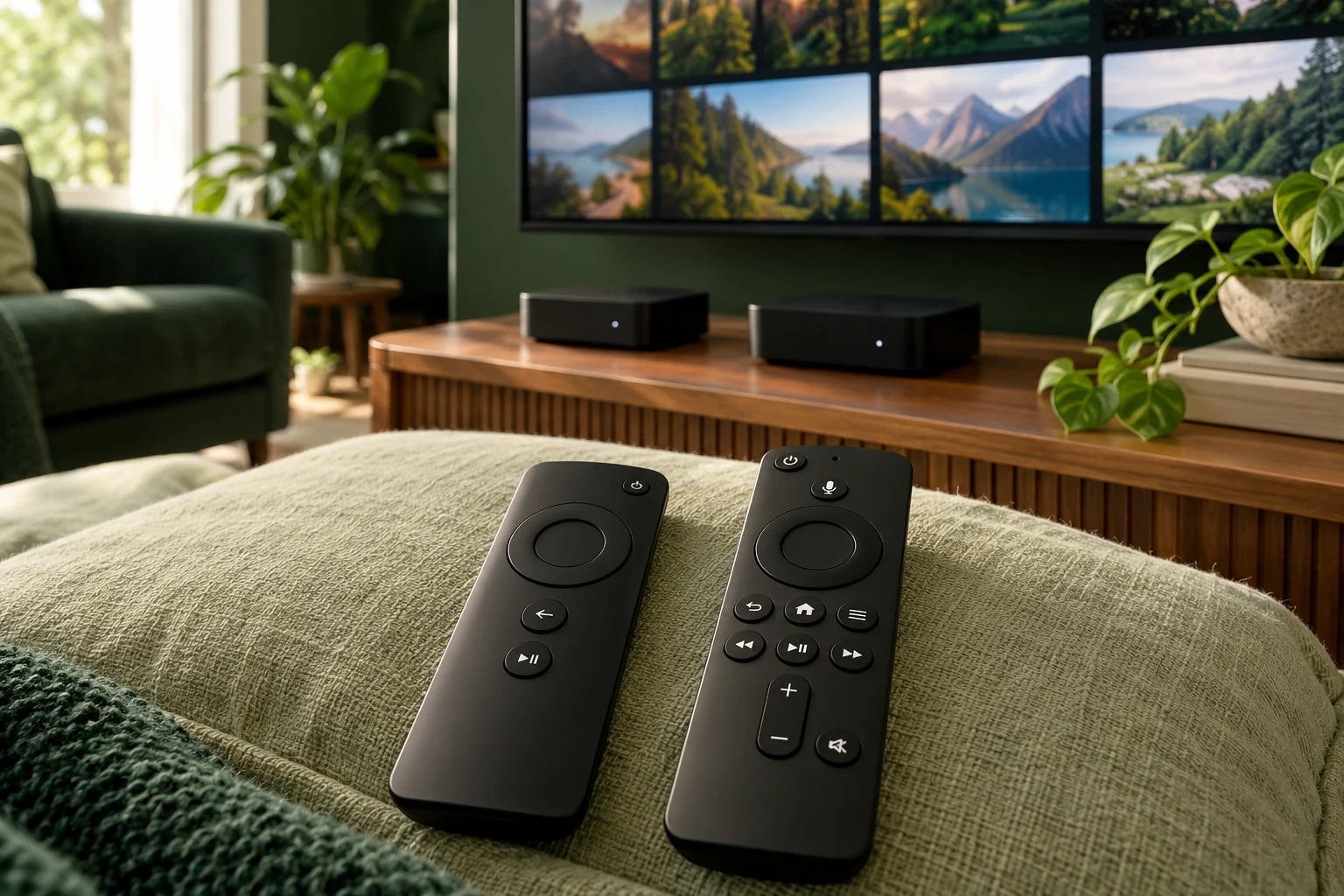
- Choose the device and network on which you will actually evaluate the service.
The setup overview explains the account journey. For a built-in television app, continue with the smart-TV guide; an external streaming device may need a different player.
Put the guide to use.
Evaluate current service fit with a trial; existing customers extend their original connection through renewal.
Use the trial for your own viewing priorities
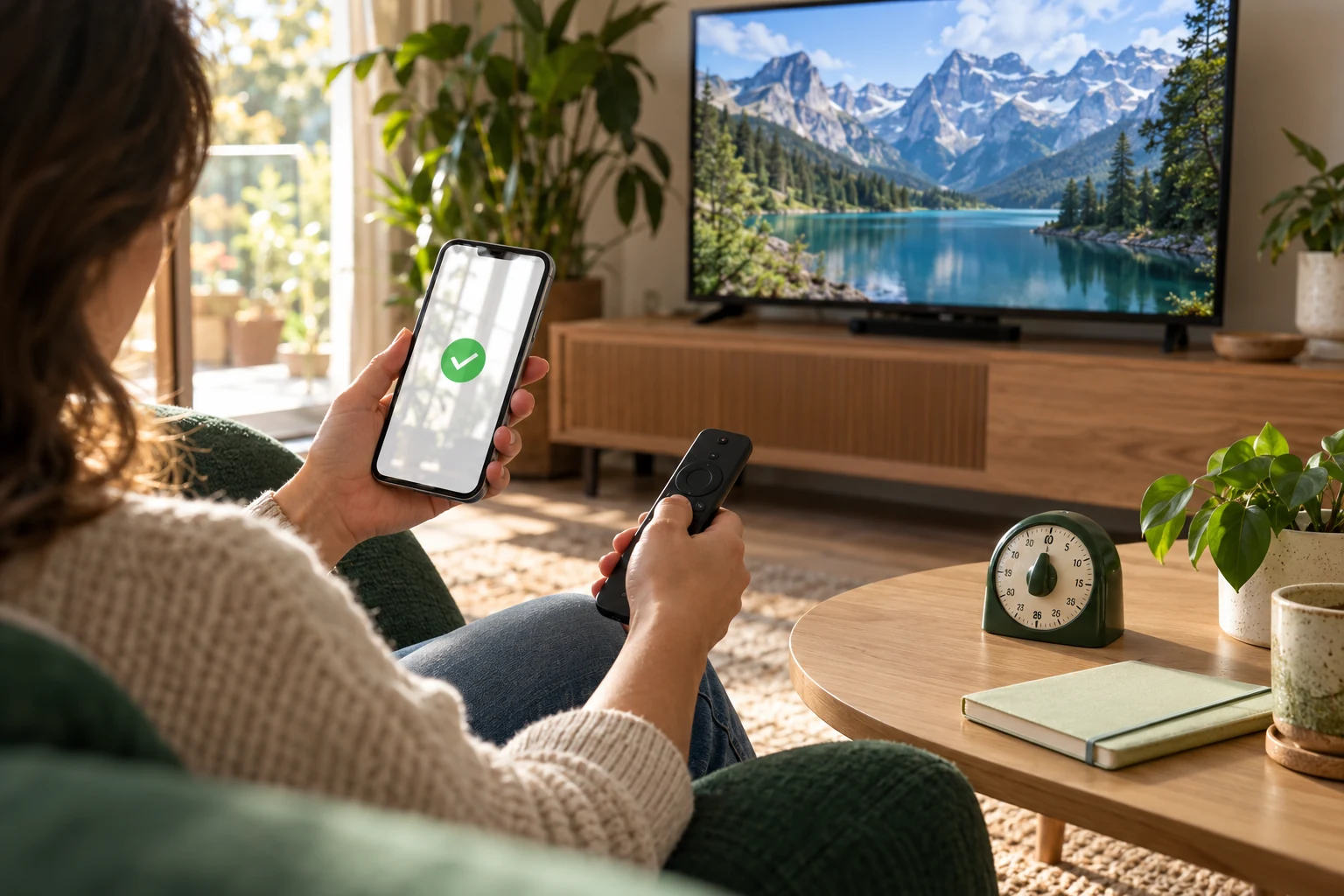
Request the current trial using an email you can access and useful device information. Allow for human preparation. Once access is ready, check the guide, remote navigation, sound and a few currently confirmed streams at your ordinary viewing time.
Keep a short note of issues: device, player, programme, time and visible message. That gives Help something specific to investigate. It also distinguishes a failed login from a playback issue instead of treating both as the same problem.
Make an account note before purchasing: the email used, existing username if applicable, intended device, chosen duration and required simultaneous screens. Keep private connection details in the original message rather than a public worksheet. Add the final order amount and the date you checked it. That simple record helps you ask about the correct line later and review whether the next term should match the previous one or your household's changed needs.
Keep the right line when renewing
Use renew your account when you already have a username. Current renewal terms keep the credentials for that line; there is no automatic renewal charge. Confirm the intended duration, simultaneous screens and final total before submitting the request. The 2027 planning guide brings those choices together without assuming future prices or lineups.