IPTV in the USA: Licensing and Purchase Checks for 2027
Separate programme permission from player compatibility and account terms before purchasing television access.
 Status & safetyIPTV in the USA.
Your next step.
Try it, or keep watching.
For US viewing, ask whether the provider is authorised to distribute the particular content in your territory. A compatible player, a paid account and a channel name do not answer the same question. Confirm the programme rights before treating a service as a substitute for an authorised outlet.
The US Copyright Office's permission guidance explains that authorisation is a question of fact. Use official information and a qualified adviser if you need advice about your own circumstances.
Identify what you intend to watch
Write down the channel, title or sporting event and the location where you will use it. Include whether viewing is personal or for a business venue. Ask separately about recording or sharing if those are part of the intended use.
For a live event, find the league or rights holder's current authorised viewing information. Keep the exact fixture and territory with your notes. A provider's answer about one event should not become your assumption about a different competition or future season.
Ask the provider precise questions
- Who is supplying the service and how can you contact them?
- What authorisation covers the content and territory you need?
- Which package and viewing conditions apply?
- Are any essential channels or events unavailable?
- What terms govern payment, expiry and support?
Keep the responses and purchase terms. If an important answer is unclear, ask for clarification before paying. Choose the authorised option that meets the need rather than relying on a broad guarantee without details.
Put the guide to use.
Resolve US content authorisation before choosing access
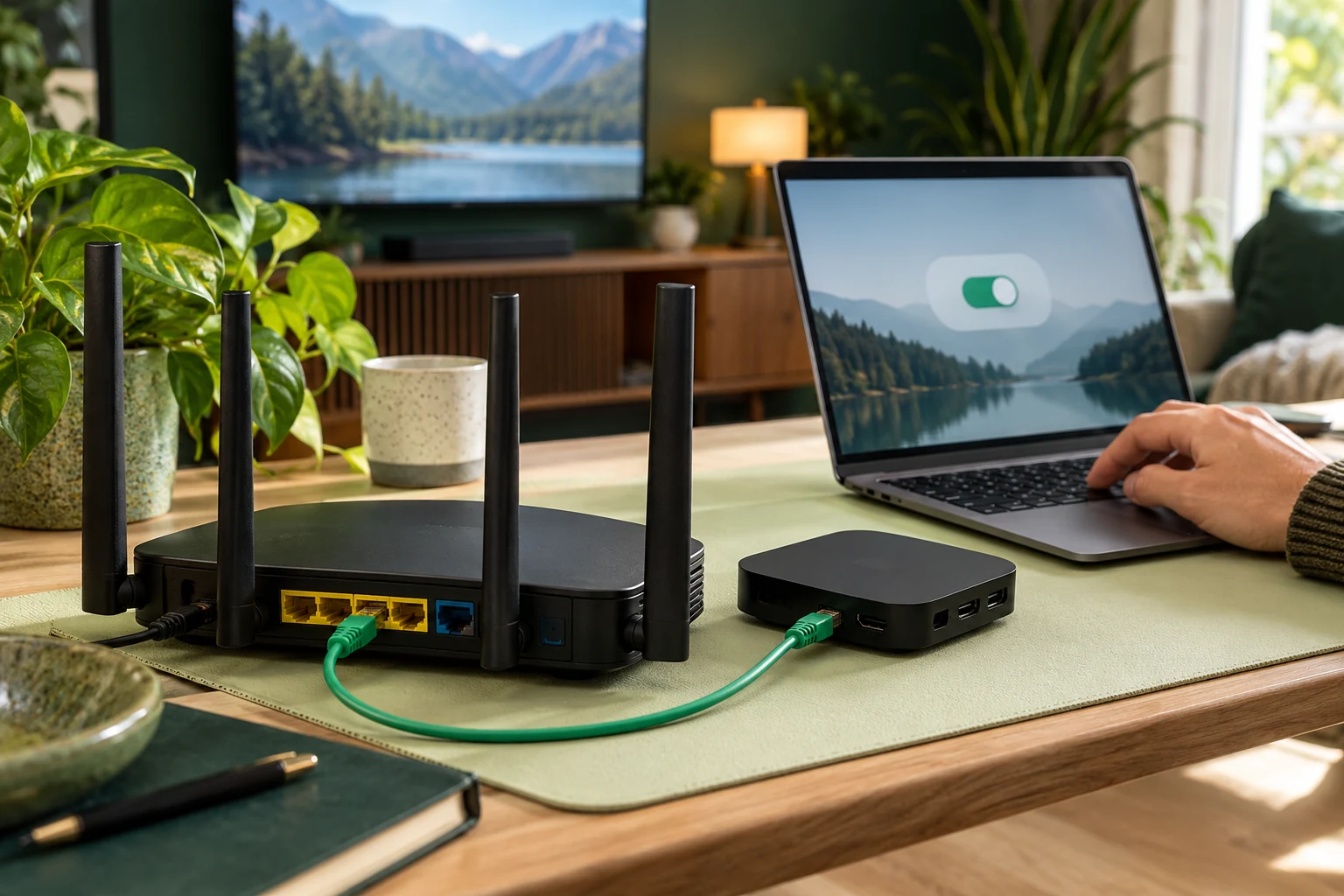
Assess the technical setup separately
Use Help for compatibility and account-entry questions. Check the selected player's official publisher and current instructions. Retain the app and service confirmations separately when they involve different businesses.
The 8KTV trial provides 24 hours with no card and human preparation within four hours. It is useful for assessing picture, sound and navigation on a supported device. Content-authorisation questions still require their own confirmation through Contact and the relevant rights-holder information.
Review the account before buying
One 8KTV connection permits one concurrent screen. Decide the simultaneous-viewing requirement and review current paid terms after the content and device questions are answered. Ask about any separate player charge so the complete purchase is clear.
Existing customers can renew the same line and credentials. Nothing renews automatically. Revisit the rights and usage questions when your location, intended audience or essential content changes, and keep the confirmation with your account records.