TiviMate for 2027: Platform, Premium and Playlist Checklist
Separate the player, its Premium features and the television service before deciding whether TiviMate fits.
 Player reviewMeet TiviMate.
Your next step.
Try it, or keep watching.
TiviMate is a player for your own playlists, designed for Android TV and remote navigation. Choose it by checking your device and the features you will use. Buying a player upgrade and buying television access are separate decisions.
The publisher's Google Play listing states that TiviMate supplies no content. Its paid upgrade unlocks app features; it does not supply channels. Keep that distinction clear when planning your 2027 setup.
Check the platform first
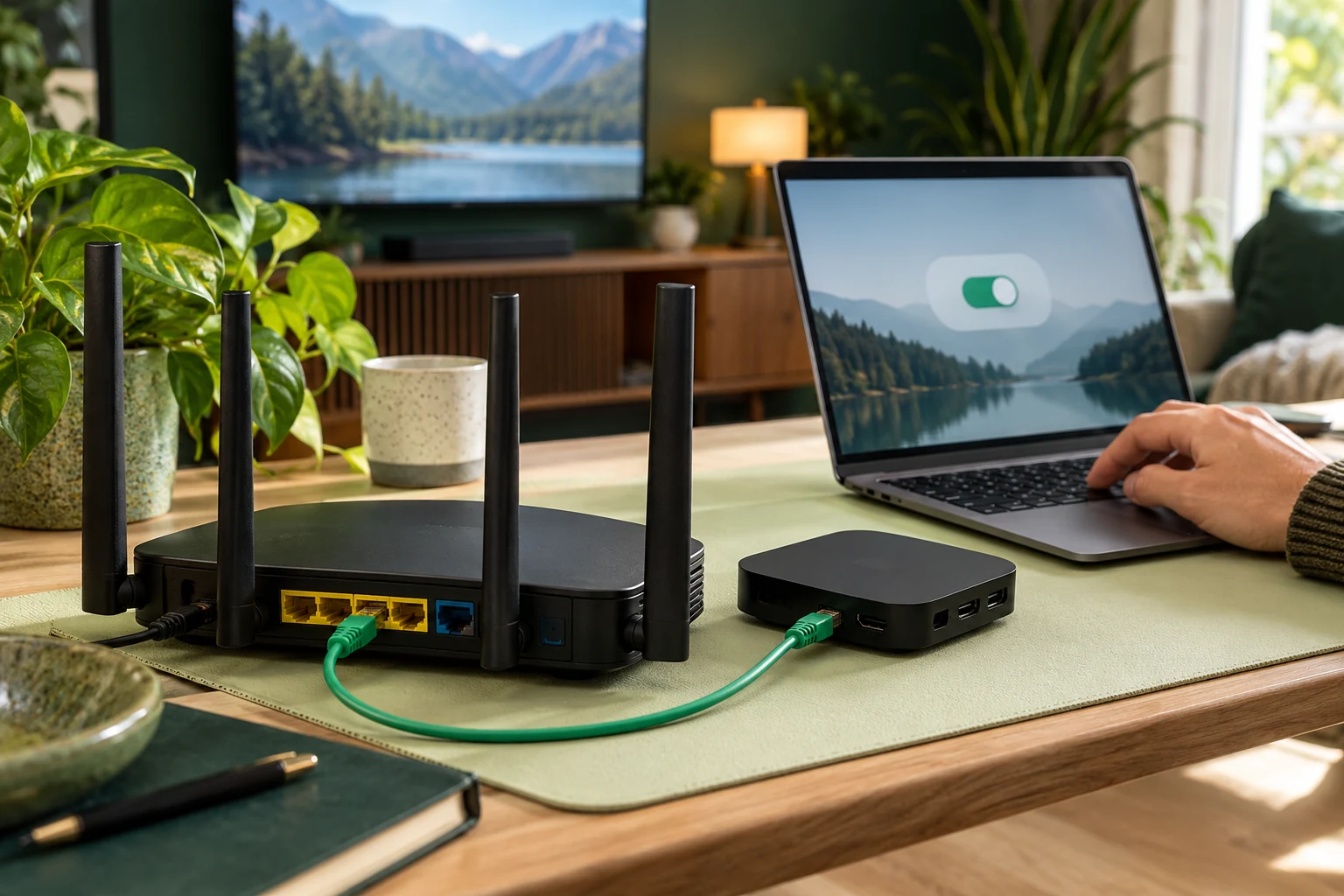
Record the exact television or box model and operating system. The official listing is for Android TV and says the app is not optimised for touch devices. Do not assume that an app with a similar name on another platform is the same publisher's product.
Use the current TiviMate website and official store listing to identify the publisher and purchase route. Confirm current Premium conditions there before paying. Keep the player receipt separate from your service confirmation so later support questions reach the right business.
Choose features you actually need
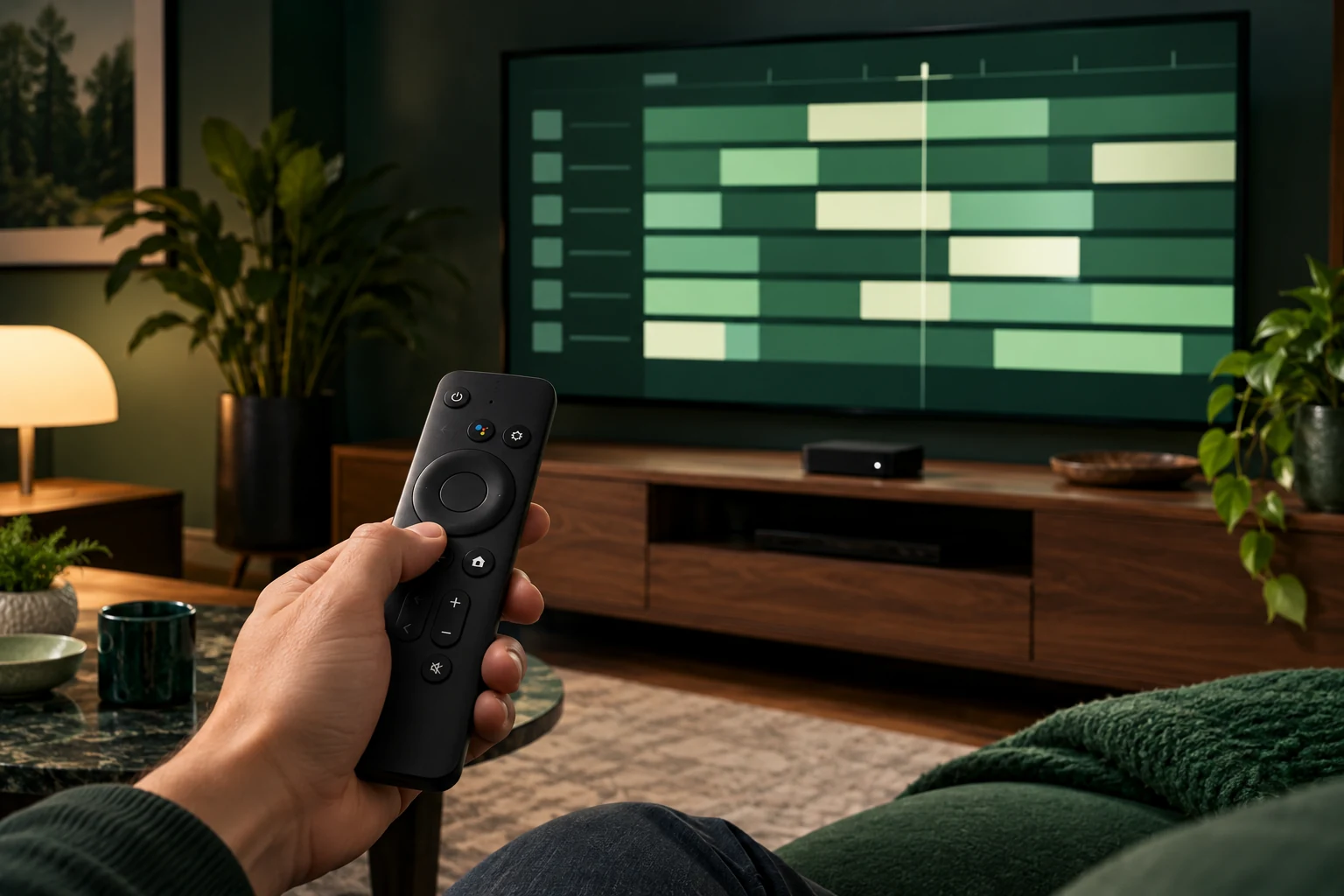
The publisher lists guide, favourites, search, catch-up, recording and multiview capabilities. Availability in your setup needs a closer check: ask what your playlist supplies and what your device and app purchase permit. A menu option alone is not confirmation that a particular programme can be recorded or replayed.
- For everyday viewing, assess remote navigation, search and returning to a familiar channel.
- For guide use, check programme timing and the information supplied with your account.
- For catch-up, ask which channels and periods are available.
- For recording, confirm storage, permissions and concurrent-connection requirements.
Put the guide to use.
Confirm Android TV and player terms before purchase
Test with the household
Use device help to confirm how your supplied access should be entered. During an 8KTV trial, open your essential available programmes and try the remote tasks that matter to other viewers. The trial is 24 hours, needs no card and is prepared by a person within four hours.
One 8KTV connection permits one concurrent screen. Do not assume a player's multiview or recording capability expands the service allowance. Ask before configuring simultaneous streams or recording while watching another item.
Decide on the complete setup
Choose TiviMate if the confirmed platform, current app terms and your own navigation assessment meet your needs. Compare the total player and service arrangement through 8KTV pricing; keep unresolved feature questions visible before committing.
For an existing service account, renewal keeps your credentials. It does not purchase or renew a separate TiviMate licence. Check each account through its own provider when planning the next viewing period.