What Is IPTV? A Beginner's Guide for 2027
Learn the words that matter before choosing a plan: the service supplies access, the player opens it, the device runs the player and your connection brings it home.
 IPTV for beginnersInternet meets television.
Your next step.
Try it, or keep watching.
IPTV means Internet Protocol Television: television delivered using IP networks. For a first-time viewer considering 8K TV in 2027, the practical task is to match a service connection with a compatible player on your device. Learn those separate parts before choosing a plan or buying equipment.
The IEEE's IPTV overview describes IP-based delivery and the managed-network technical meaning. In everyday shopping, ask the provider to explain the exact service you are purchasing, its supported setup and the programmes you want to watch.
The five terms worth knowing
| Term | What it means for your setup | Question to ask |
|---|---|---|
| Service connection | The viewing access you request and later renew | What account details and viewing terms will I receive? |
| Player | The application used to open the supplied connection | Does this player support my connection method and device? |
| Device | The television, streaming box, phone or other equipment running the player | What is my exact model and operating-system version? |
| Playlist | The list or source used to organise streams in a compatible player | Which supplied format should I add? |
| EPG | The electronic programme guide shown beside channels | Which guide information is available in my setup? |
These distinctions make support questions much easier. In Kodi's IPTV Simple Client, for example, M3U supplies the stream list and XMLTV supplies guide information. Your chosen player's instructions determine which fields you actually use.
Put the guide to use.
Start with one supported screen and a few programmes you want to check. Use the free trial for a first setup or renew your existing account.
Start with one screen you already own
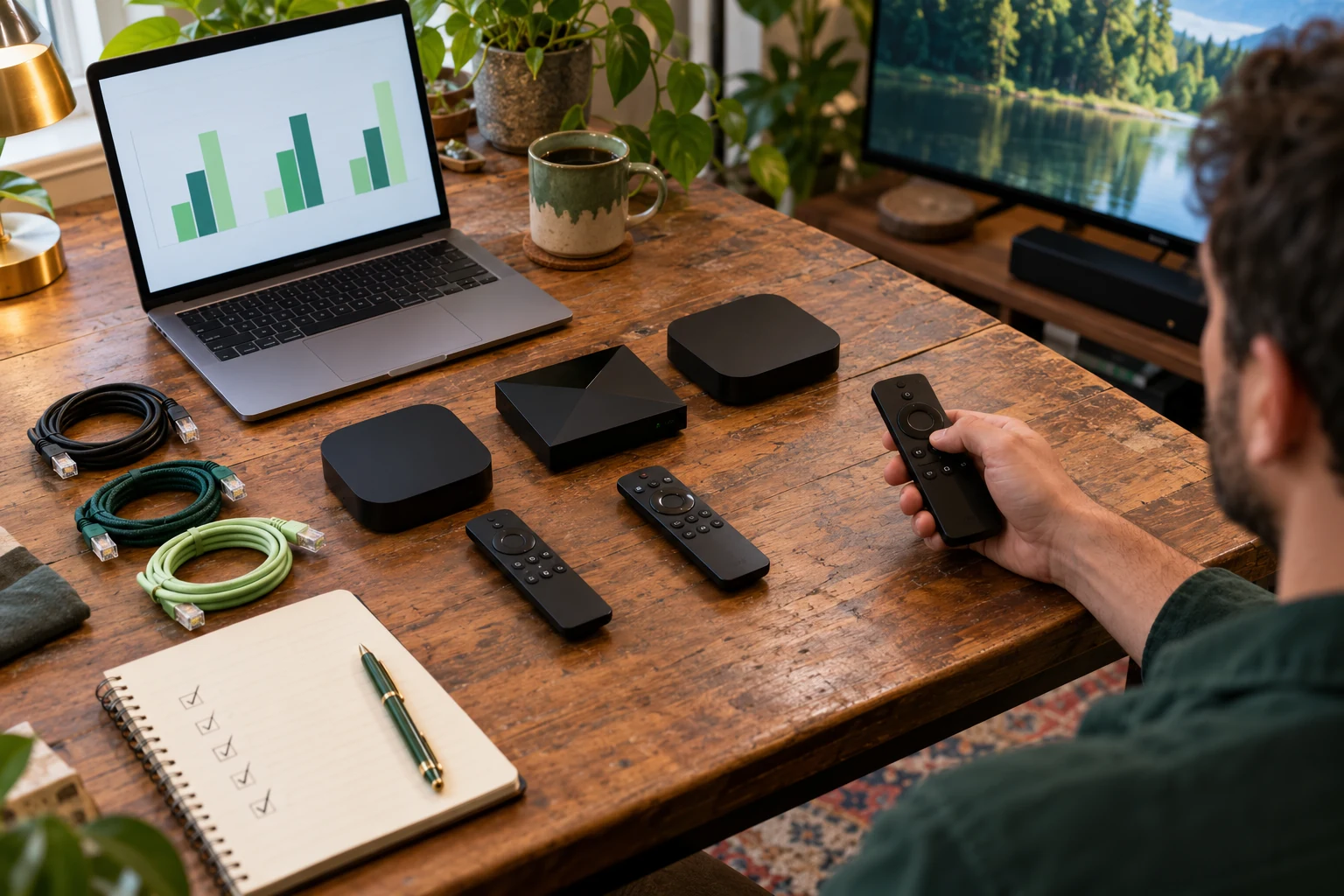
Record its model, the available app store and the player you want to use. Check those details with Help before buying another box. The device setup guide is the next step once the player and connection method are confirmed.
A player purchase is worth checking separately from the viewing plan. The TiviMate developer listing states that its player and premium app features do not include content. Keep separate notes for the hardware account, player purchase and service login so you know which company to contact about each.
Choose using a small, concrete checklist
- Viewing: name the exact programmes, language tracks or live events that matter.
- Device: confirm the model and compatible player.
- Routine: try the remote, guide, favourites and return-to-channel steps.
- Household: count the screens that will play at the same time.
- Support: know where to ask if the first connection does not load.
For 8K TV, one connection covers one simultaneous screen. Use the current plan and screen calculator for your household, distinguishing devices you install from screens you play together. Use the IPTV, cable and apps comparison if you are still choosing a viewing approach.
Make the first session useful
The current 24-hour free trial requires no card. A person prepares the connection within the stated four-hour window and sends the access details. Have your device information ready, then try a few real viewing tasks when access arrives.
Record what worked and the exact stage where anything stopped. If you need help, the login, playlist and EPG triage guide helps you describe the issue. The trial does not start an automatic paid renewal; choose the next plan when you are ready.
Beginner questions
Is IPTV the same as the player app?
Keep the delivery service and the application as separate parts of your setup. Check both the service's connection instructions and the player's supported formats.
Do I need a special box?
Check the equipment you already have first. Ask about the exact model and player instead of choosing solely from the television brand name.
What if I already have an account?
Use account renewal for the existing connection. Current renewal guidance preserves its credentials and player settings.