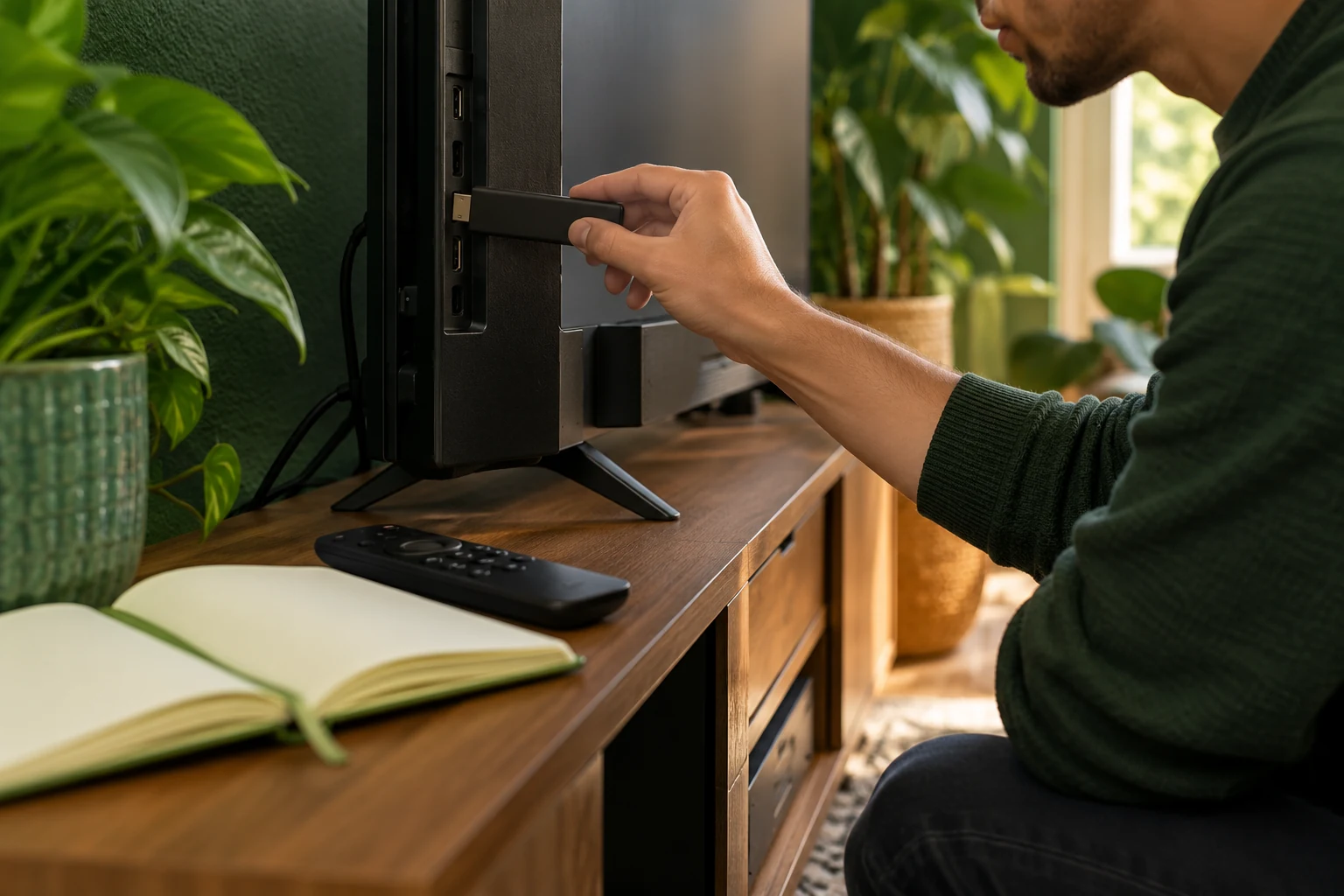
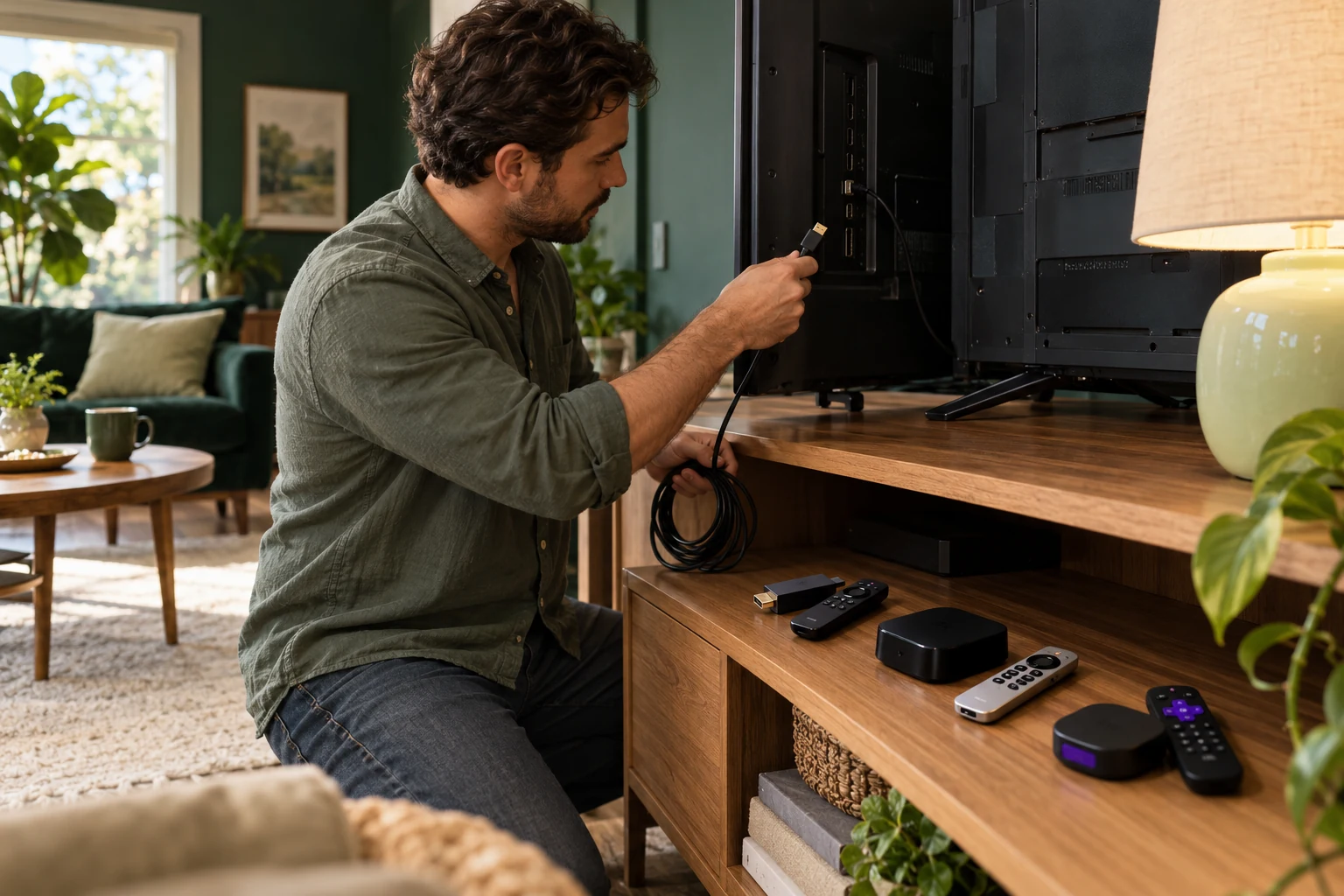
First IPTV connection for 2027: set up one device clearly
Keep the first setup simple: one device, one confirmed player and the exact details supplied for the account.
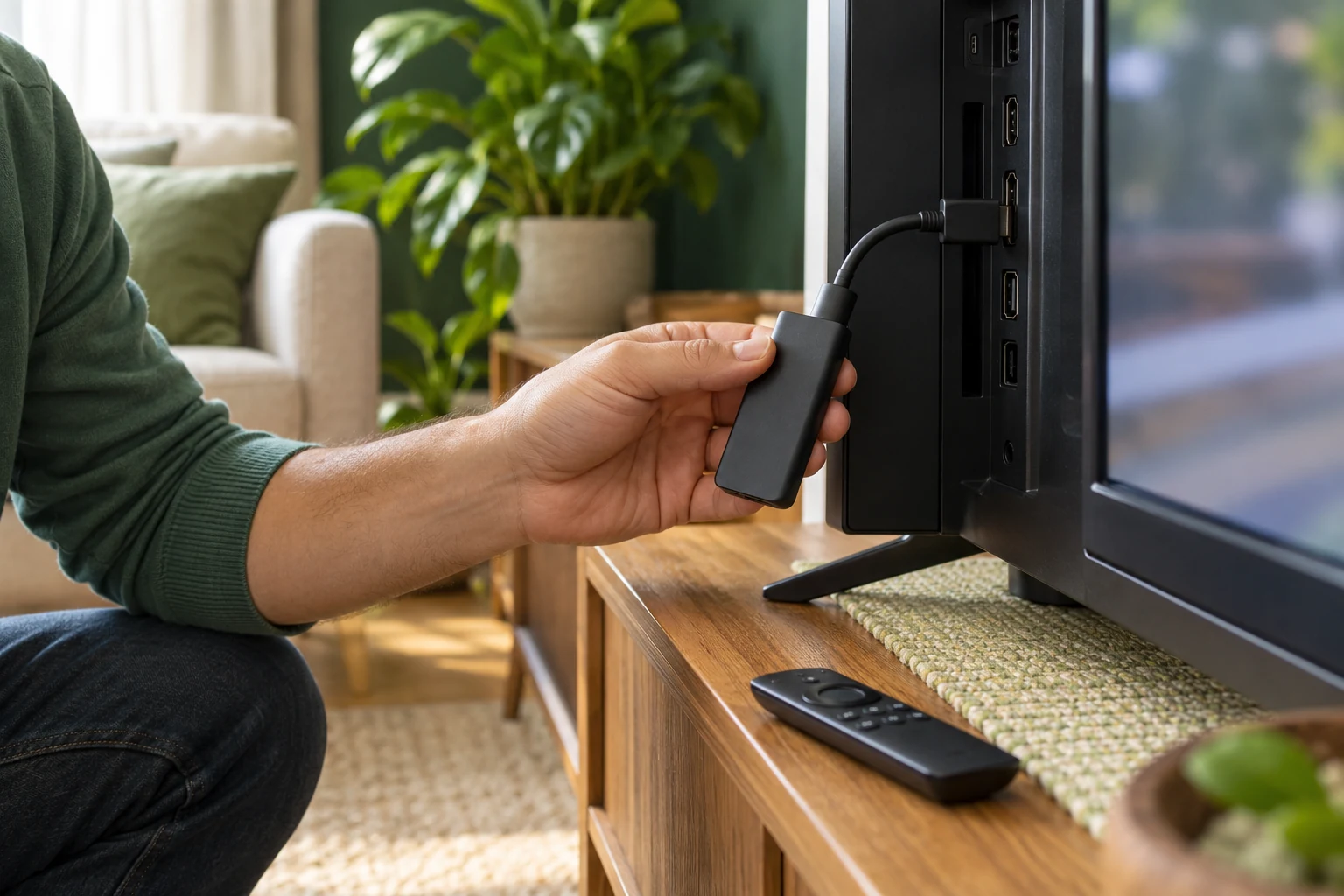 Fire TV · Android · Smart TVYour screen. Set up.
Your next step.
Try it, or keep watching.
For a first IPTV connection in 2027, set up one device with one confirmed player and the exact account details supplied by the service. Check that the player accepts that format before typing anything. Once the first screen works, decide whether you need another concurrent connection.
Collect the setup details
Write down the device model, operating system and player name. Keep the service's preparation email available on another screen if useful. Identify whether it supplies separate login fields or a full address, and ask which option the intended player should use if its form is different.
The setup overview distinguishes the service account from the player. If you are new to the service, request the current 24-hour trial with a reachable email and your device details. It needs no card; a person prepares access within four hours.
Install the player for your device
Use the device's documented app source and confirm the exact listing. Amazon's Fire TV guide uses Find or voice search, then the app's Get or purchase option. Google TV's guide uses Search or Apps. Samsung's TV guide applies to its own model-dependent app environment.
Follow the Fire TV or smart-TV guide for the appropriate family. Check publisher, availability and any separate app charge before installing.
Put the guide to use.
Use a trial for a first setup and keep the original username for later renewal.
Match the supplied details carefully
- Open the confirmed player's documented account-entry option.
- Compare its requested format with the details supplied by the service.
- Enter each item in the matching field, preserving a supplied address in full.
- If the fields do not match, ask Help with the player name and a screenshot that hides private details.
Keep account information private and retain the original email. A service username, app-store account and player-purchase account can be different items; ask which one a screen is requesting rather than reusing credentials by guesswork.
Check one screen before adding another
Try opening a confirmed stream, reading the guide, changing channels and checking sound. Record the exact error if something fails. One 8K TV connection supports one concurrent screen, so stop playback on the first device before a sequential check on another.
Before moving on, write down the successful setup in plain language: which device and player you used, which login option was confirmed, and where the private account email is stored. Add the task that still needs help, if any. Another household member can then repeat the ordinary navigation without needing the entire installation story, and support can begin with the current setup rather than asking you to reconstruct it later.
Choose the next step from the result
If the setup meets your needs, compare the current term and screen options. Existing customers should use renewal with the original username to extend the intended line. For a guide-only issue, continue with the EPG checklist instead of repeating the entire installation.